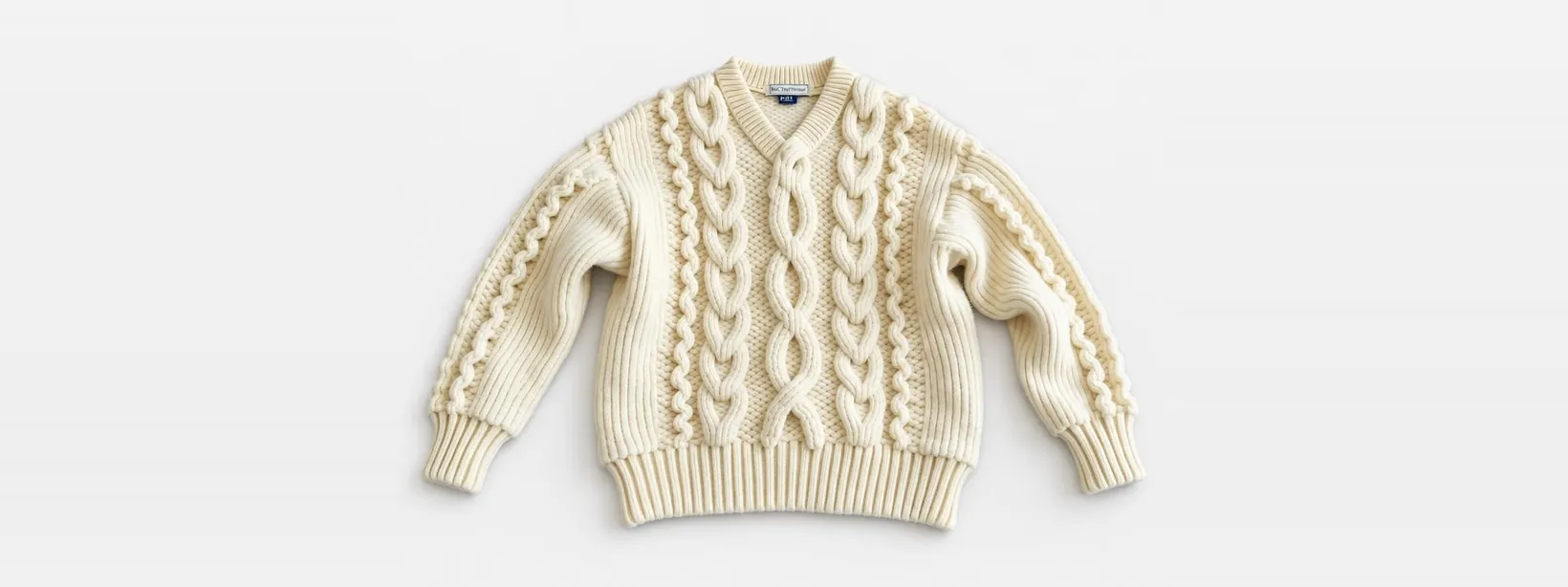
Main photo on white
Prepare a main-image option on a light background. Compare shape, color, material and labels with the original: generation can alter details.
Prepare a product photograph for marketplace listings: a white background, interior or model. Workflows aim to preserve the product; check its color, shape and labels before publishing. First runs are free.
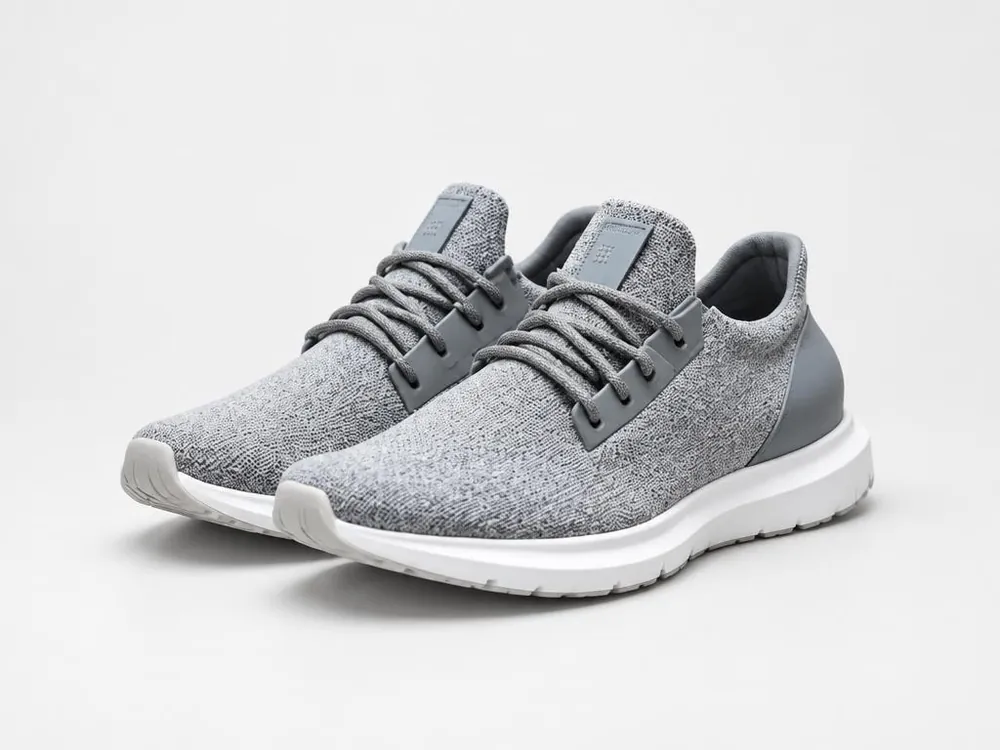
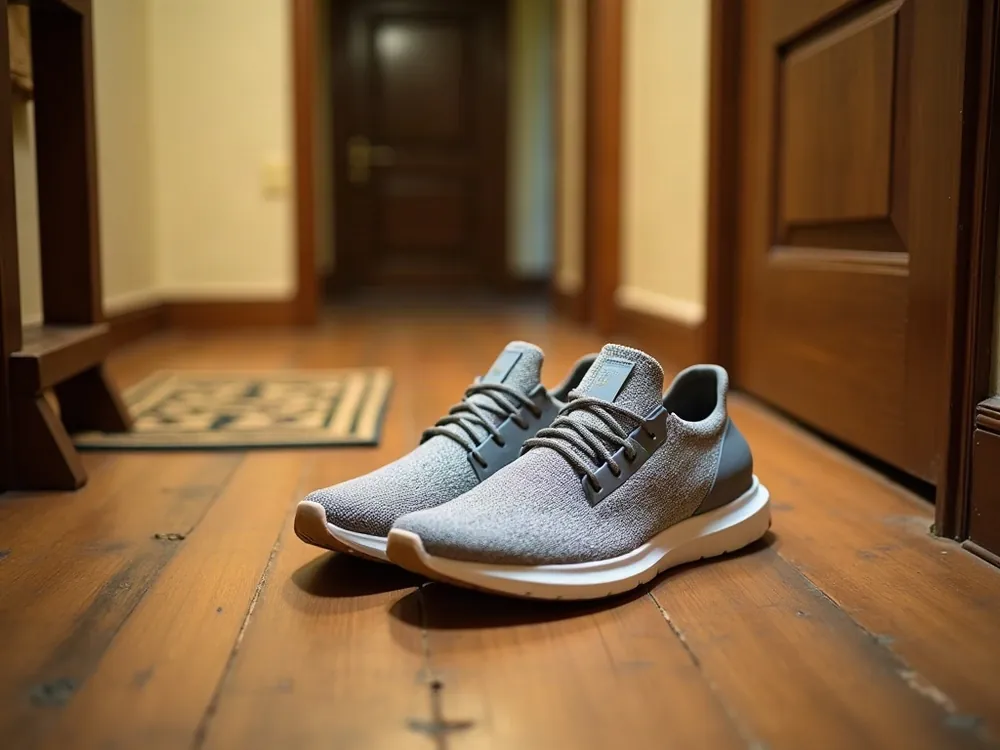
Prepare a main-image option on a light background. Compare shape, color, material and labels with the original: generation can alter details.

Try a setting that shows how the product is used. Check scale, shadows and product details after editing.

Create a clothing or accessory image on a model. Check cut, pattern, texture, color and fit against the source item.
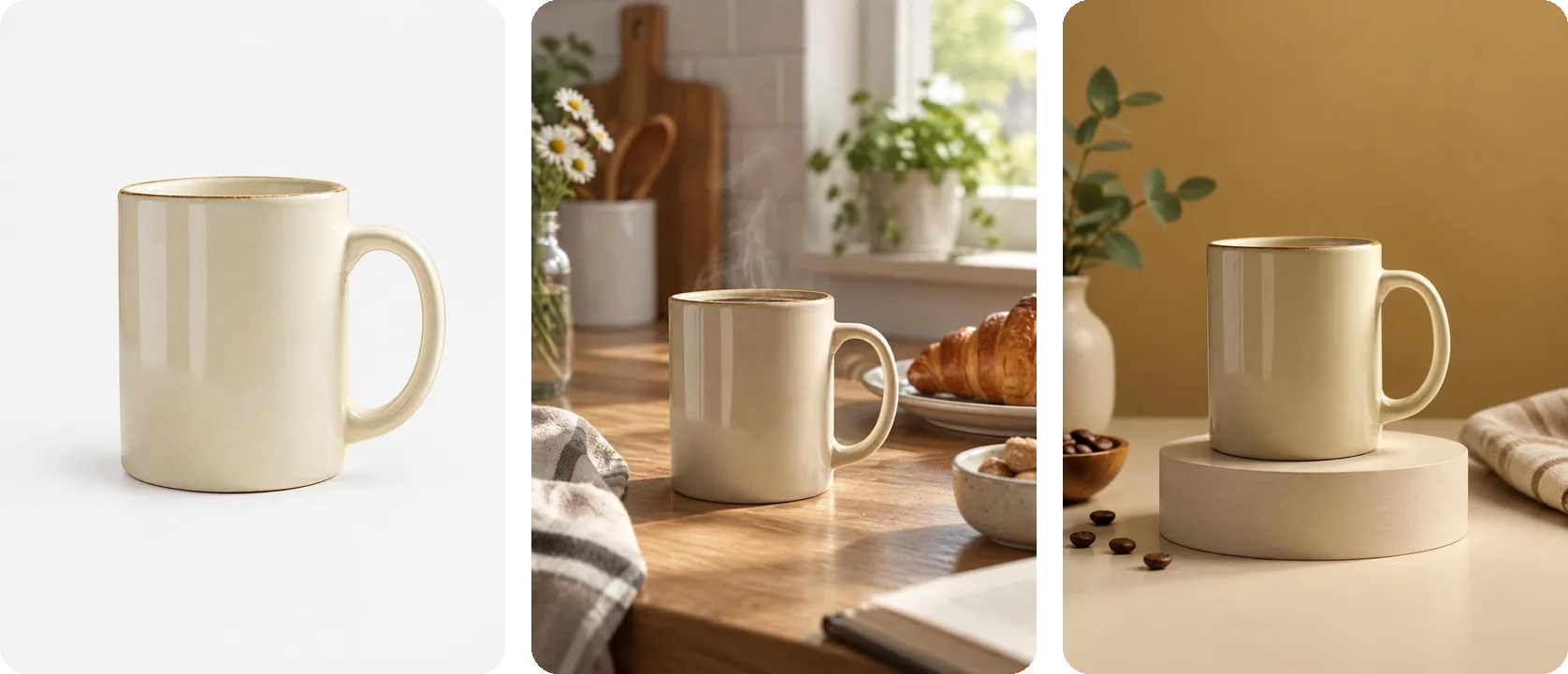
Prepare a sequence: main image, context, details and use. Check the product on every slide; the studio shows available formats and charges.
Progon.pro is an online AI editor for property and product photographs. Start with your photograph: choose furnishing, lighting, decluttering or a product scene, then compare the output with the original.
Generation can change details. Check room geometry, product color, shape and labels. An output does not guarantee platform approval or increased sales.
Choose a platform, inspect your original file and prepare the frame you need. Compare the output with the actual product before publishing.
Vertical 3:4 shots for the listing: the main photo on white first, then scenes that show the product in real life.
Prepare an image for your Ozon category. Check current dimensions, aspect ratio and main-image rules in the seller documentation.
Pick the format before generating, from 1:1 to 16:9. One product snapshot gives you shots for every marketplace and for social media.
Start with one photograph and review the output and charge before processing a series.
Charges depend on the workflow and number of variants. The studio shows the cost before launch; see pricing for one-time packs and subscriptions.
Workflows aim to preserve the product, but generation can change details. Compare each result with the original: check the label, pattern, material, color and included items. Do not publish an output that misrepresents the product.
Check the current rules for your platform and category: aspect ratio, resolution, background, text and number of images. Prepare a 3:4 file and inspect its properties before upload. Correct dimensions alone do not guarantee listing approval.
It depends on the platform rules and what the image depicts. Compare the product with the source; do not add absent details, included items or another color. Check your category’s current AI-image requirements before publishing.
A run is a balance credit. The workflow, model, variants and retries determine the charge; the studio shows it before processing. A one-time pack is purchased in full. A subscription is optional.
You upload a sample card whose design you like plus a photo of your product. Progon puts your product into that card and keeps its layout and style. It's a quick way to get a slide in the spirit of the strongest listings in your category.
No. A phone snapshot in daylight is enough, as long as the whole product is in the frame and not cut off by the edge. Progon handles the background, shadows and light.