AI home staging for property photos that sell
- Your photograph and a clear task
- Furnishing, lighting and decluttering
- Keep the original for comparison
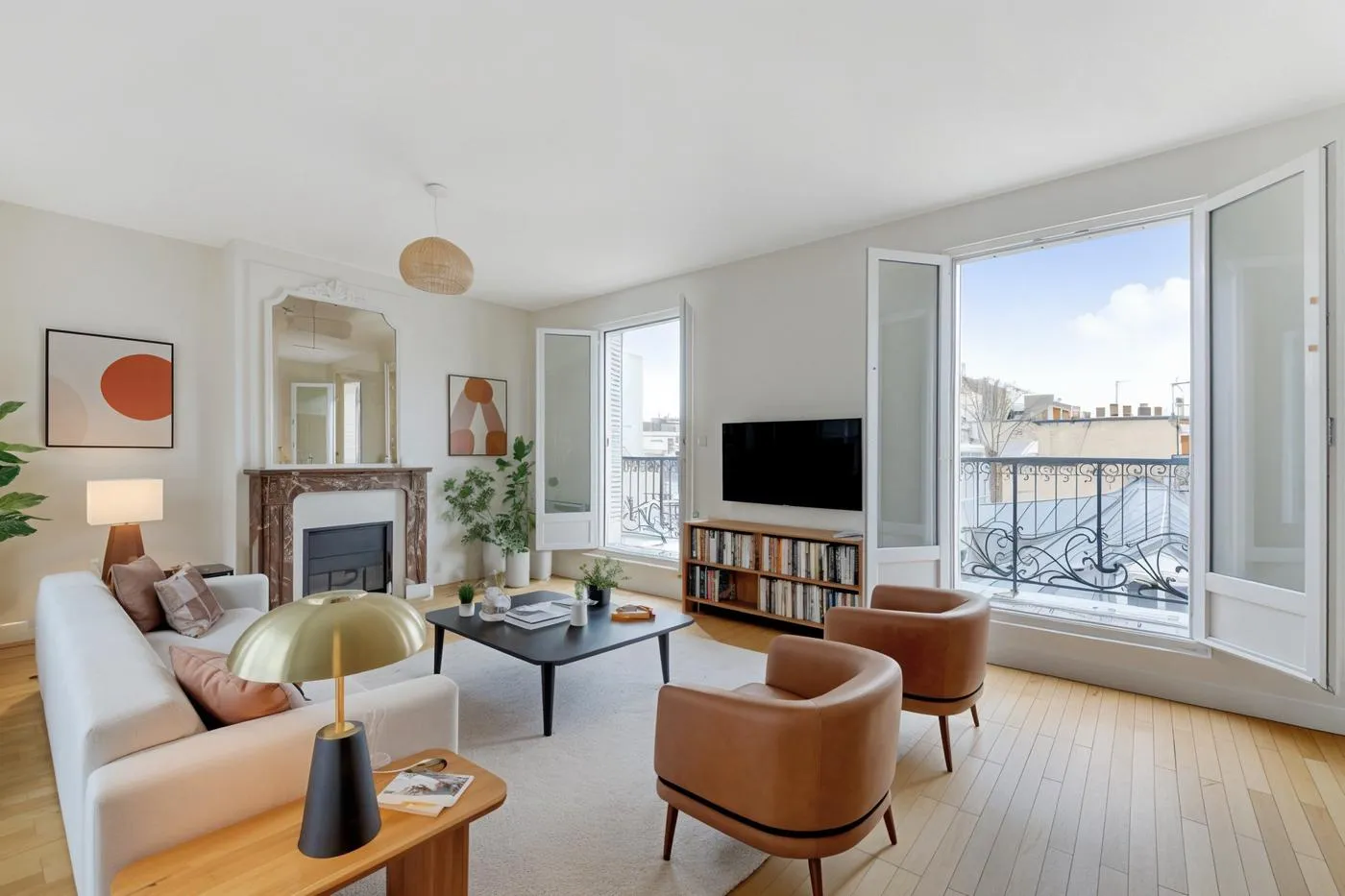
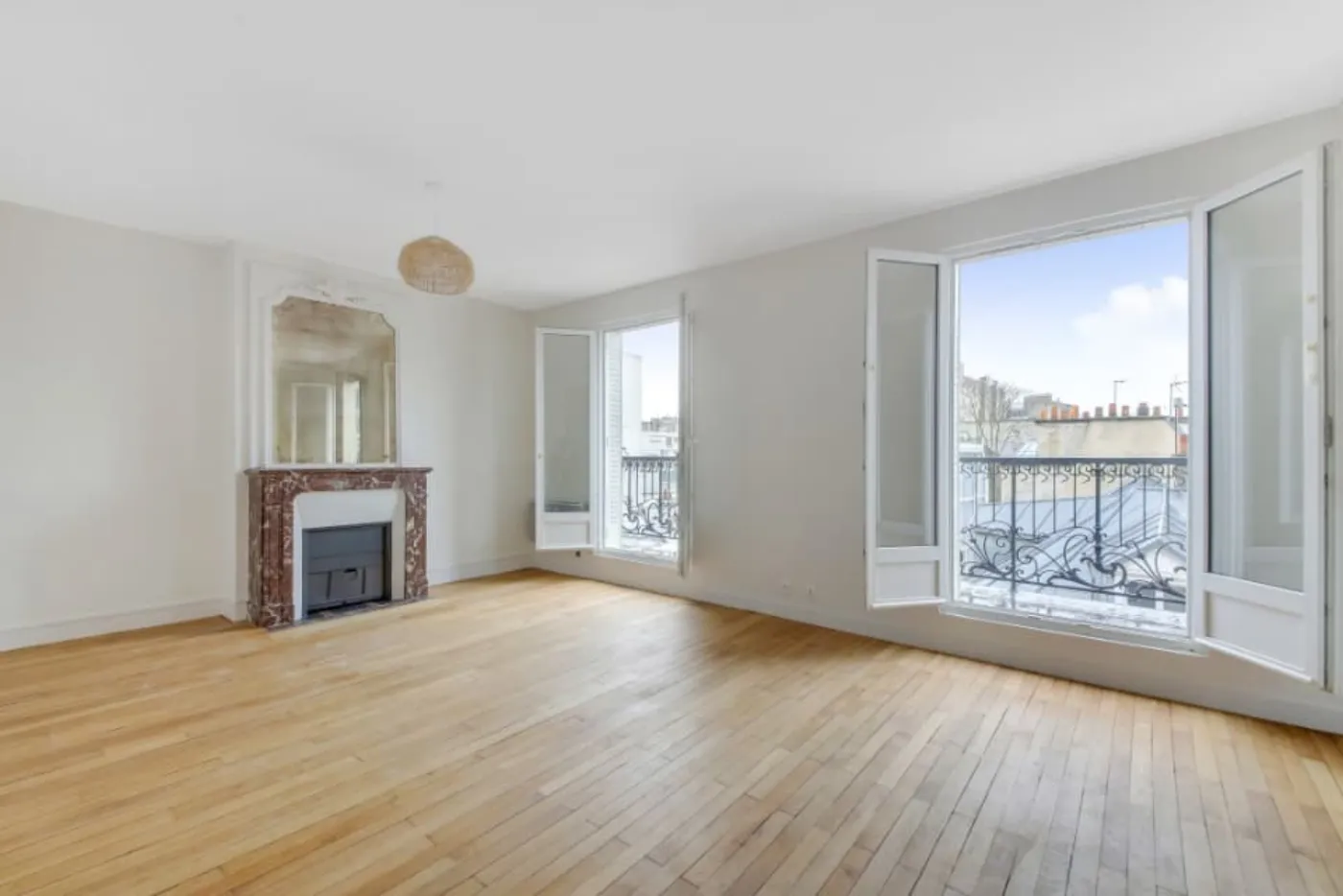
Your photographs
Choose a task before launch
Compare before and after
For property listings
Check the platform rules
What is Progon.pro?
Progon.pro is an online AI editor for property and product photographs. Start with your photograph: choose furnishing, lighting, decluttering or a product scene, then compare the output with the original.
- Language and access
- Use the service in your browser with a Russian or English interface.
- One-time packs
- The starter pack contains 10 runs for 490 RUB. A subscription is optional; PRO and BUSINESS are also available.
- Understanding charges
- A run is a balance credit. Charges depend on the mode and variants and are shown before launch. Processing an image again also uses credits.
Generation can change details. Check room geometry, product color, shape and labels. An output does not guarantee platform approval or increased sales.
Try it on your own photo
Drop your photo hereUpload a photo
or click to choose a filetap to choose from your gallery
Who are you?
Sound familiar?
You need to refresh the interior but it's hard to know what to add without overspending
The interior looks better in life than in photos: shots come out dark and dull
Competitors' photos look stronger, their listings get booked more often
To improve photos you call a photographer, pay a stager. It's expensive and slow
To improve the photos and design yourself takes more than a day
Every season or holiday you end up reshooting the object from scratch
What you can prepare from a photograph
So the listing looks more premium, stands out from competitors and gets more bookings
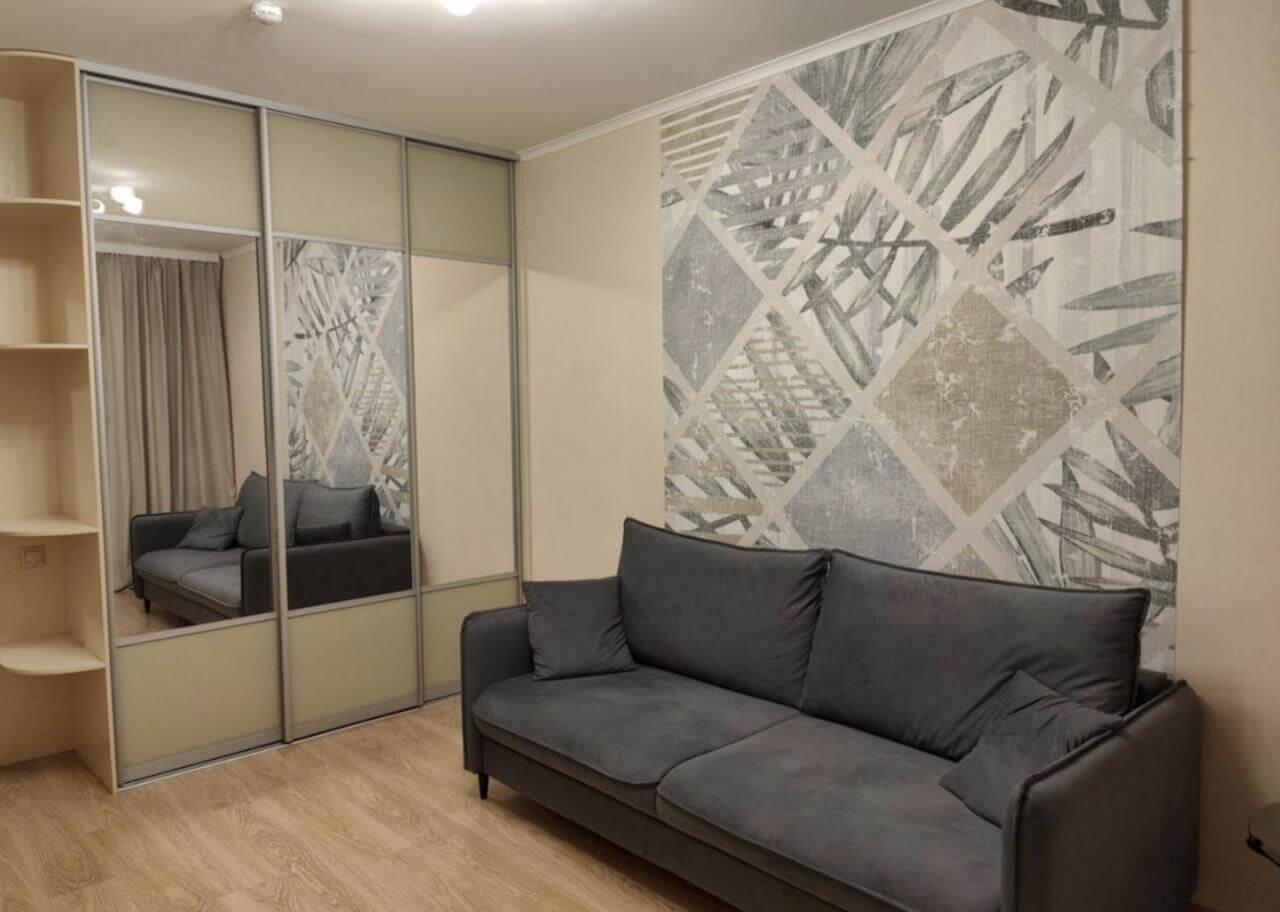
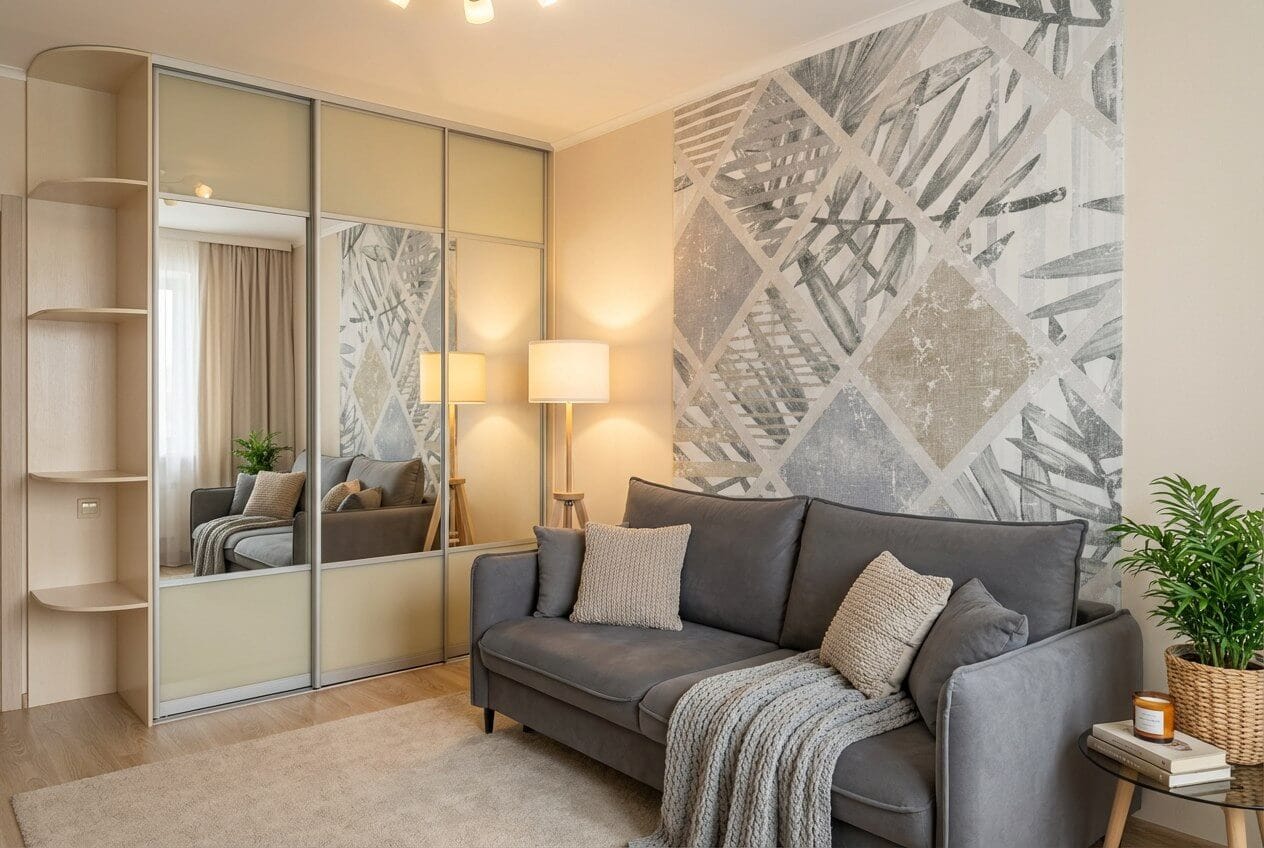
Bright, tidy photos in a minute
The flat looks cozier and the listing earns trust at first glance
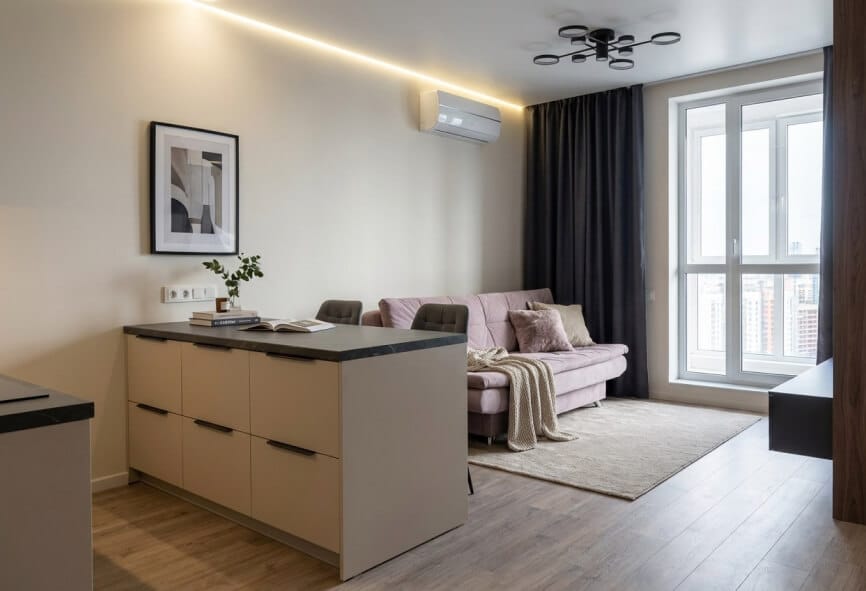
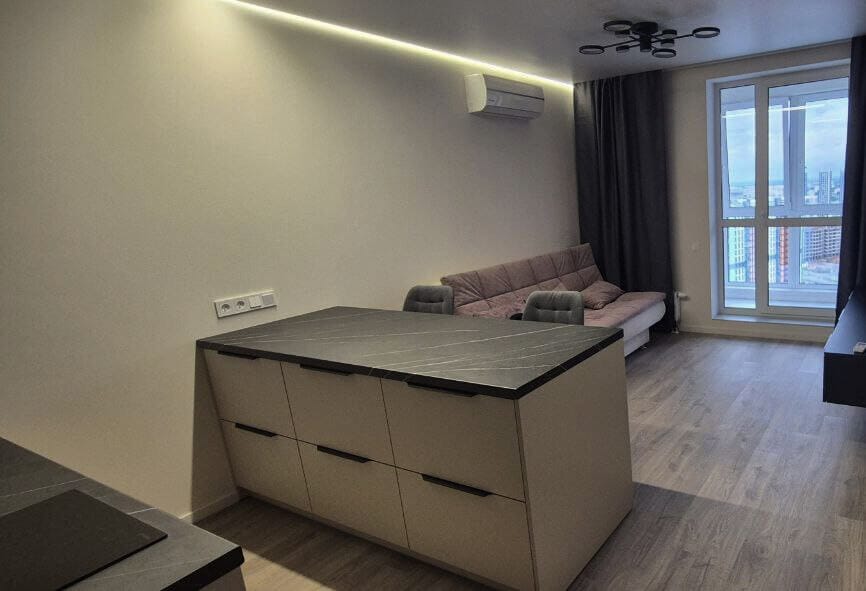
The interior looks cozier and more premium
Without extra purchases and piles of decor
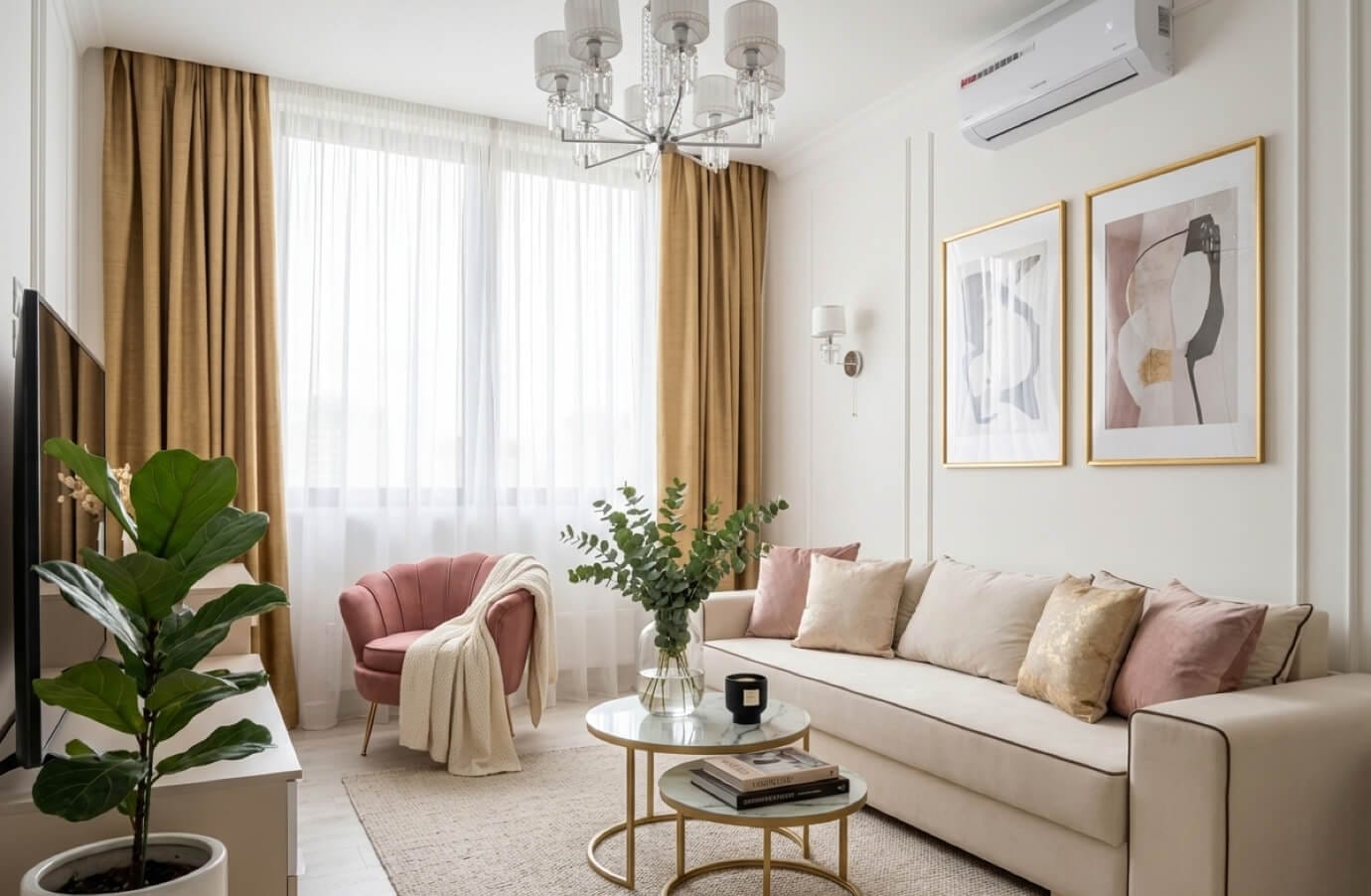
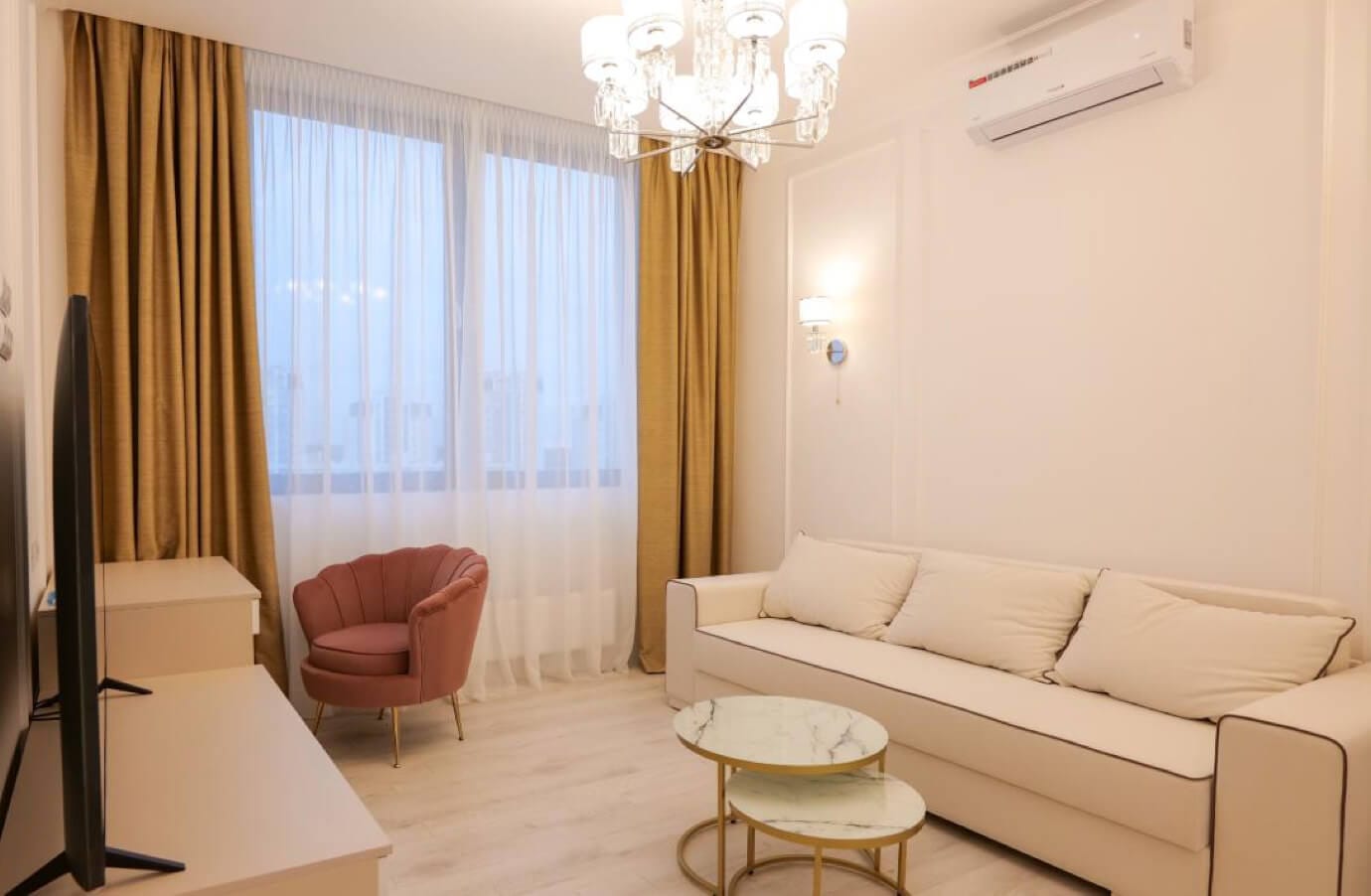
Review a concept before deciding
Review one edited photograph before processing the full set.
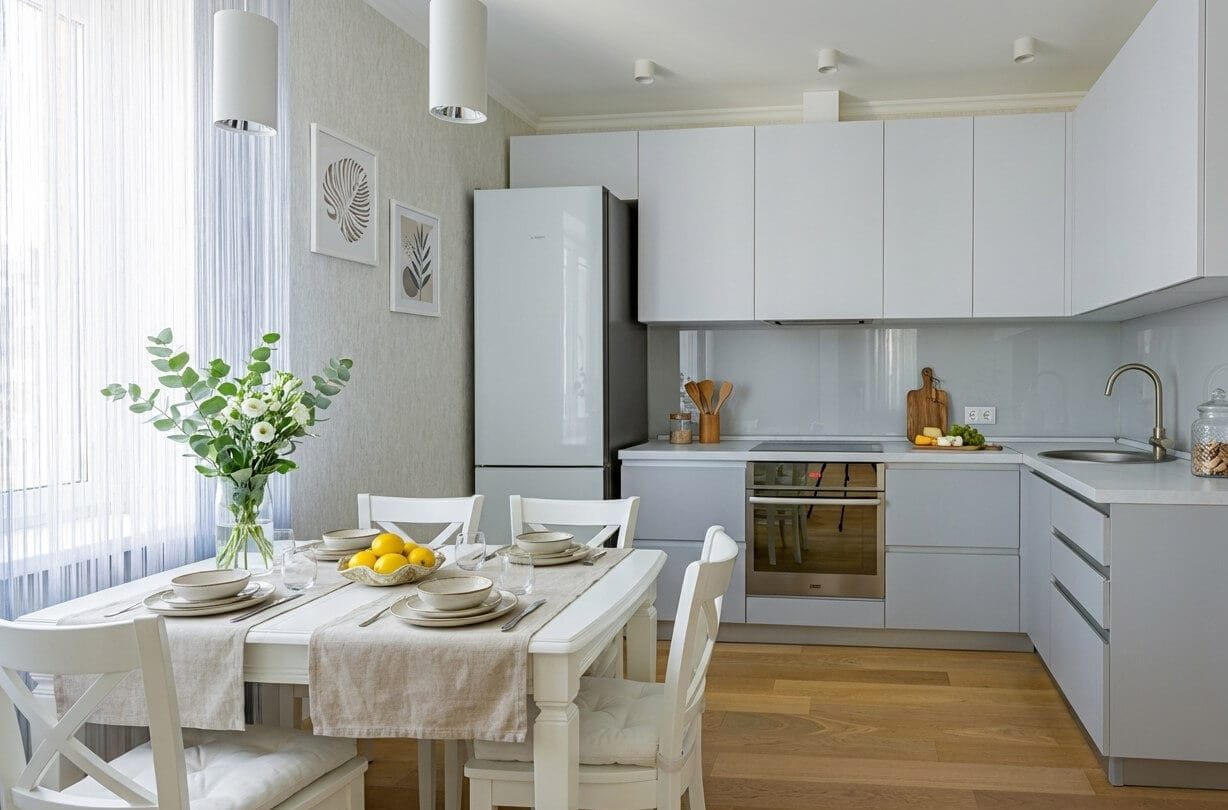
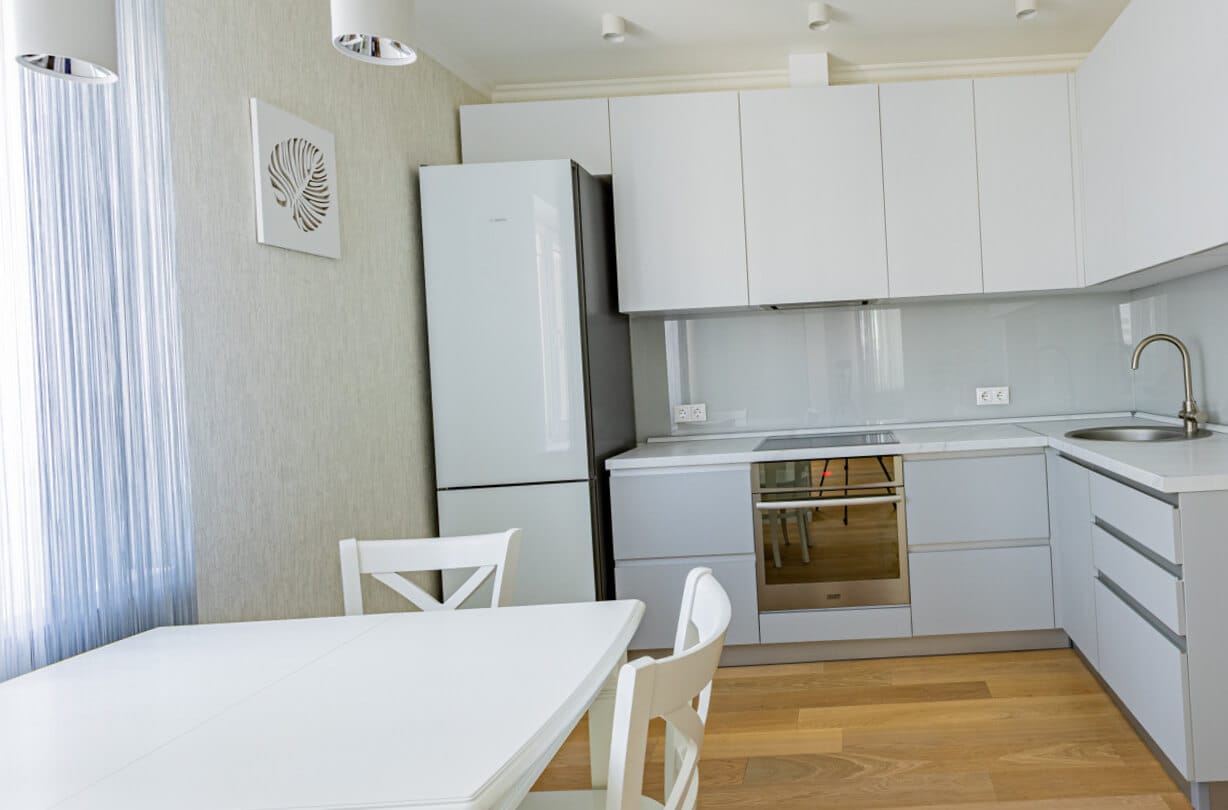
The listing stands out from competitors
Bright, tidy interiors get booked more often
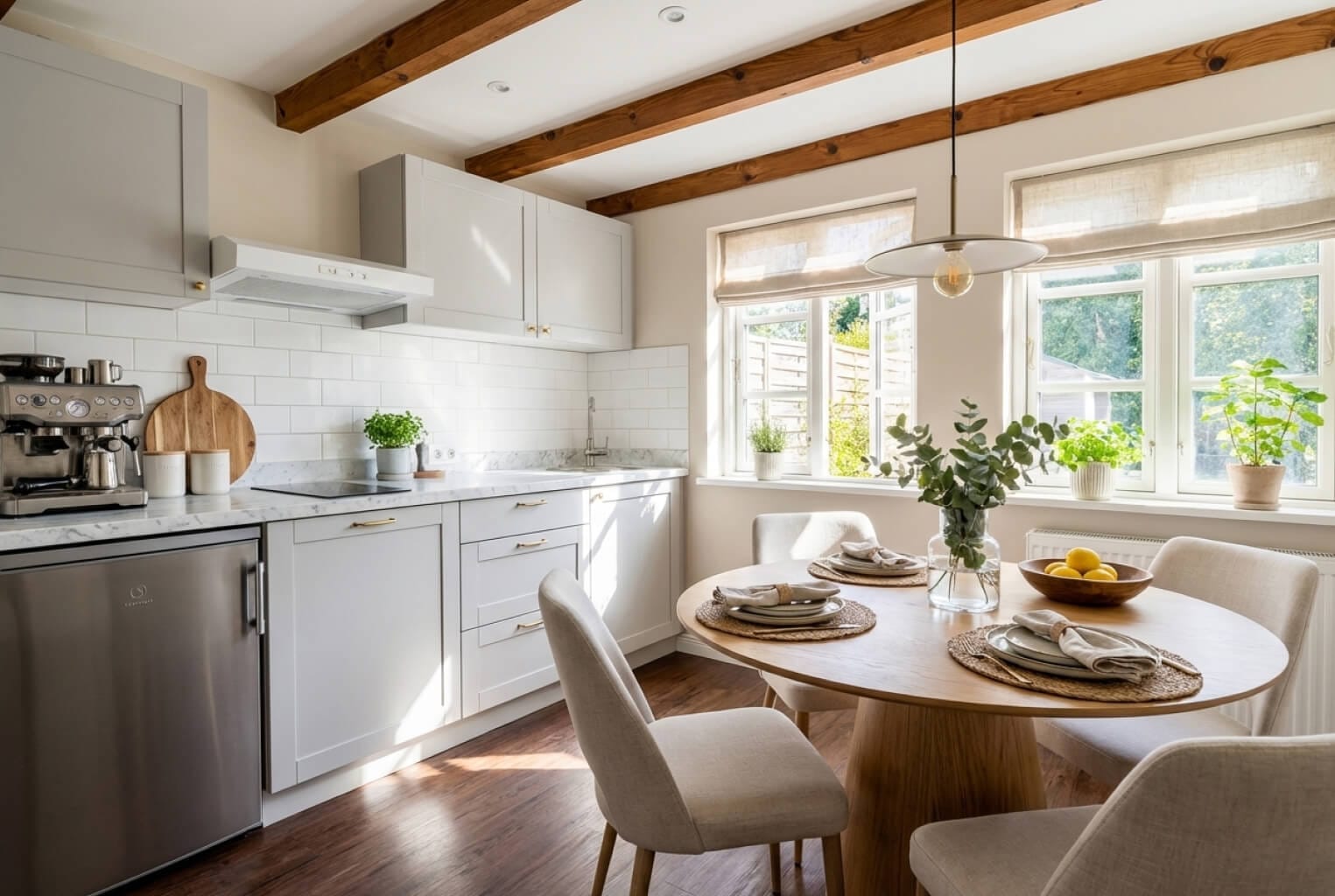
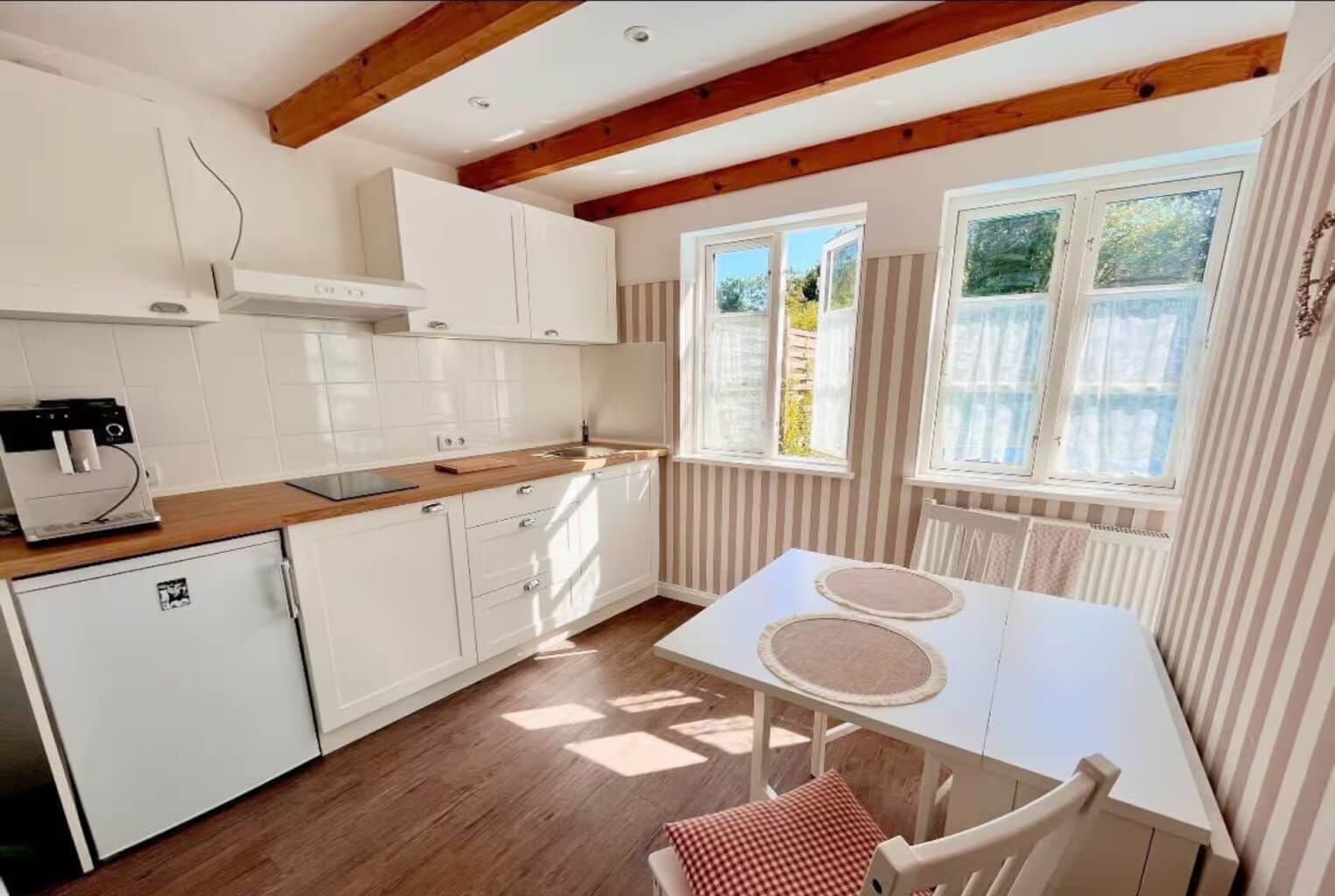
A result in a minute instead of hours and days of prep
No complex logistics, extra steps or long waiting
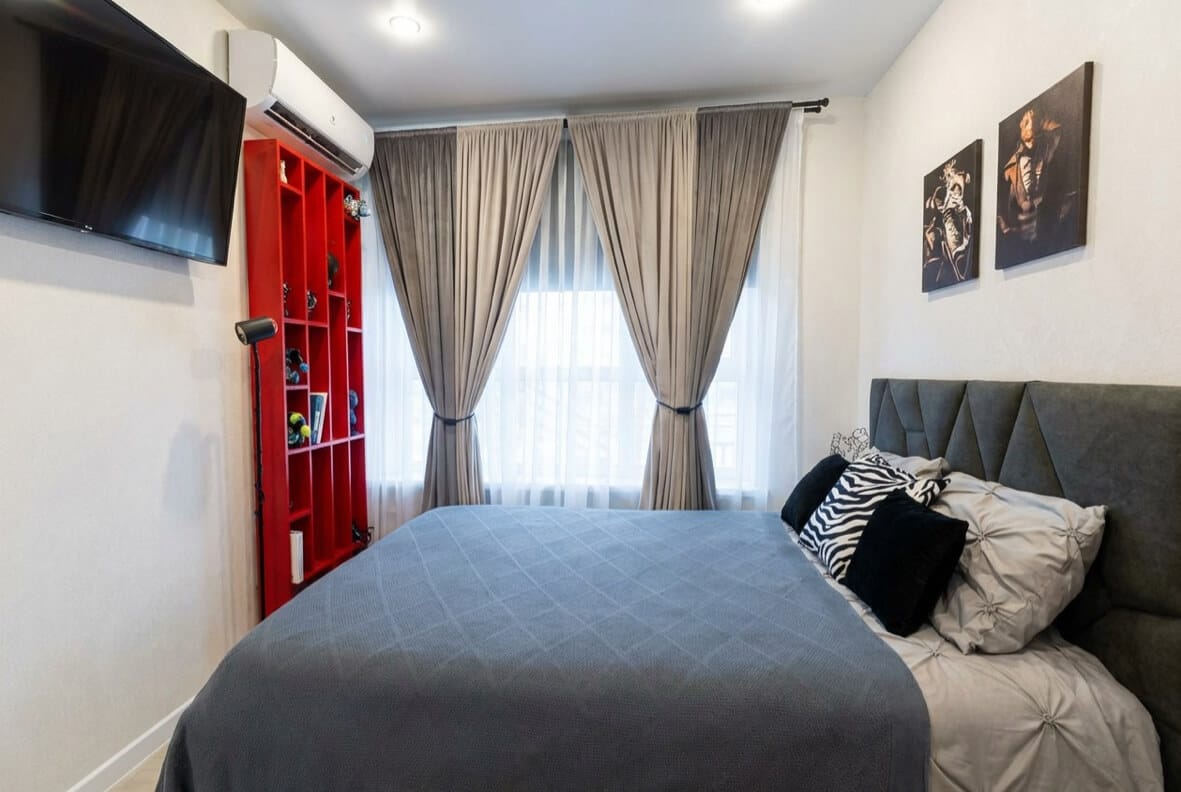
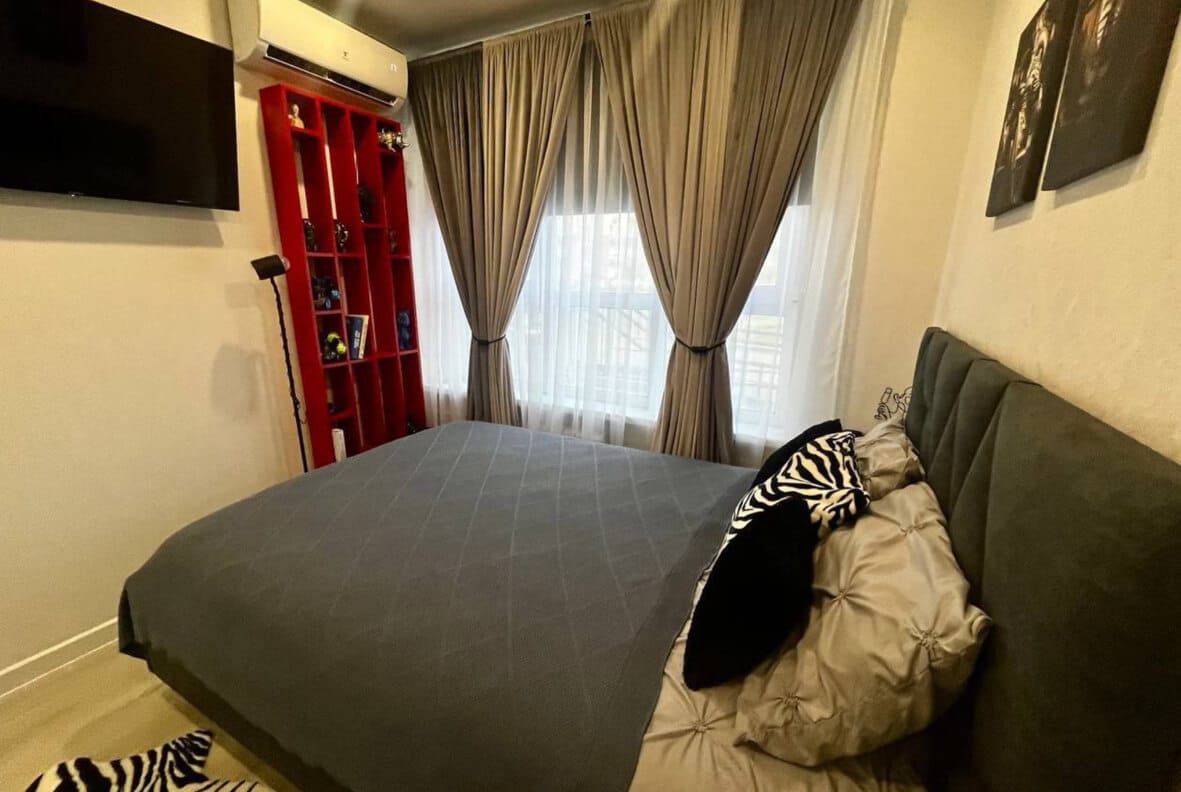
Reseason the whole portfolio in an evening
Refresh every object for summer or holidays without a new shoot
Try it on your own photo
Drop your photo hereUpload a photo
or click to choose a filetap to choose from your gallery
Capabilities
What you can do with Progon
One service replaces the photographer, the retoucher and the designer. Drag the slider on any card to compare before and after.
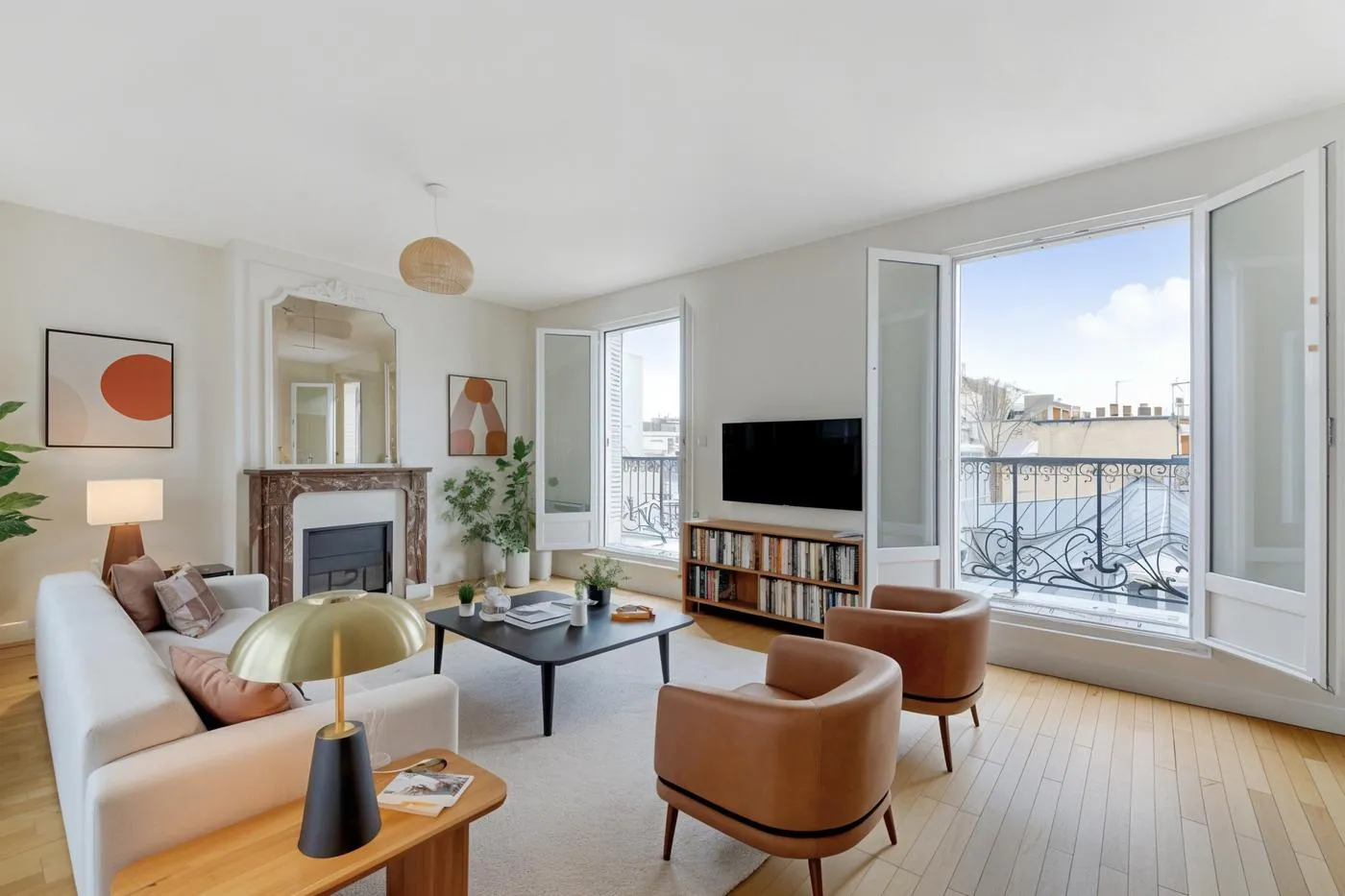
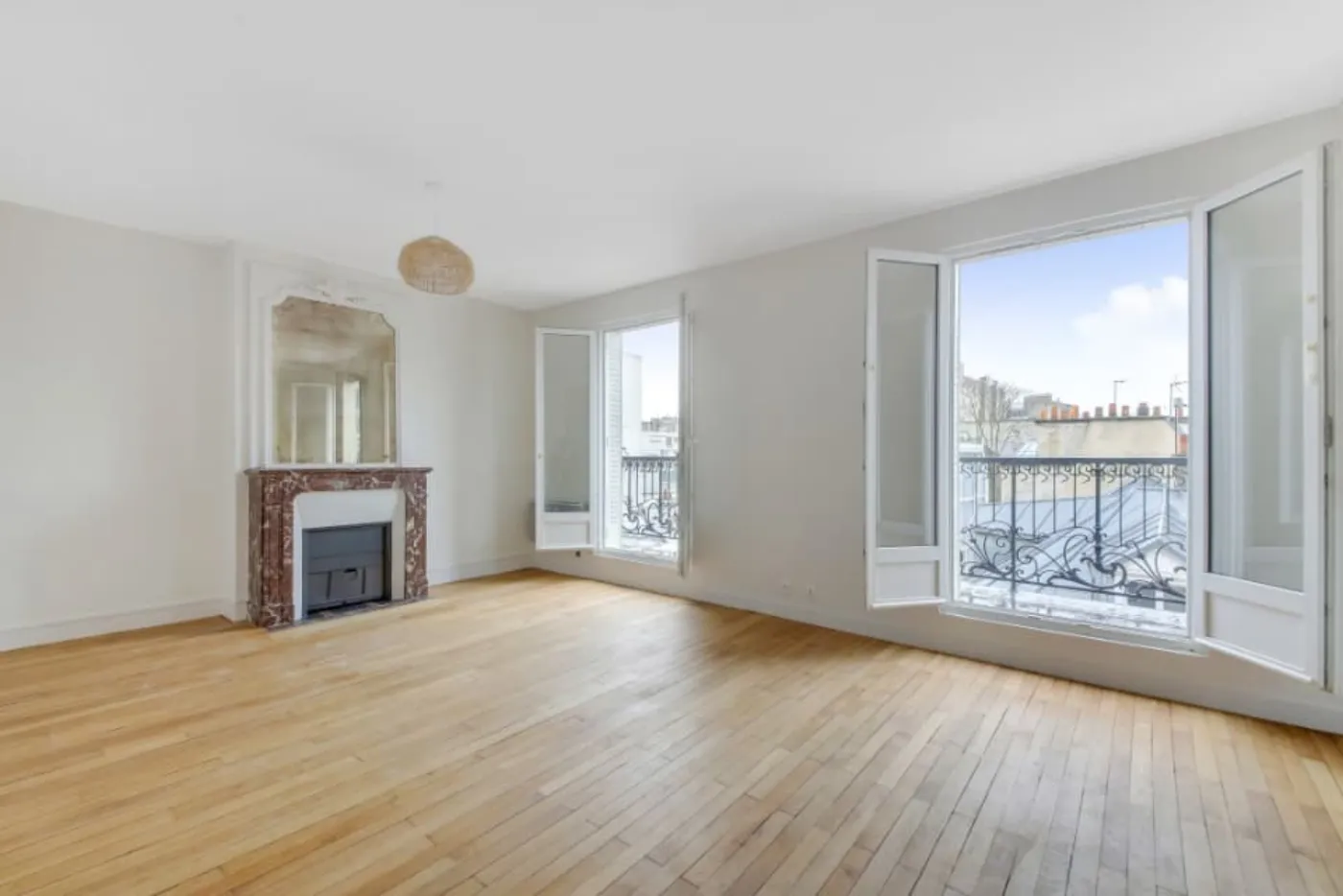
Furnish
Furnishes and styles an empty room for the market
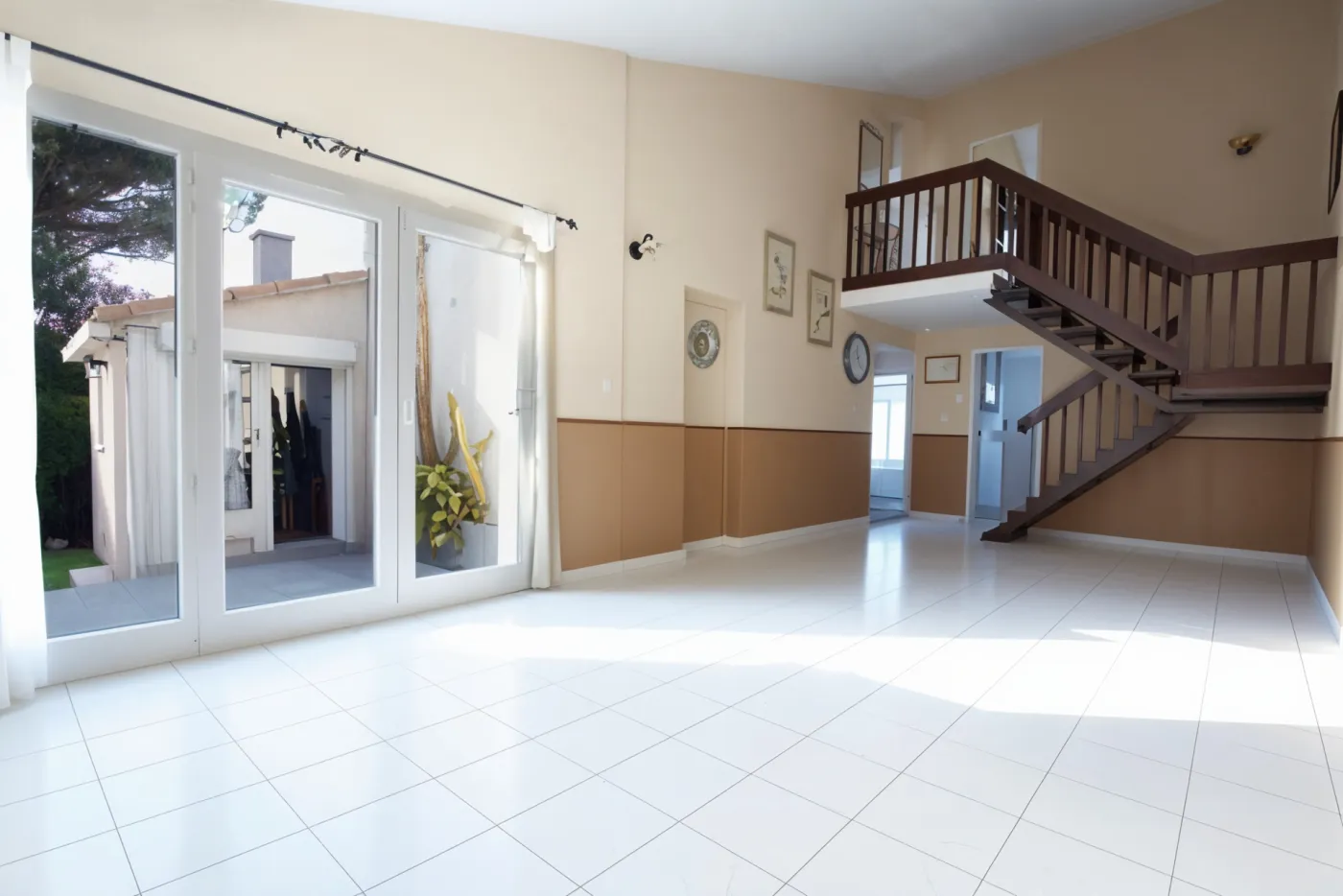
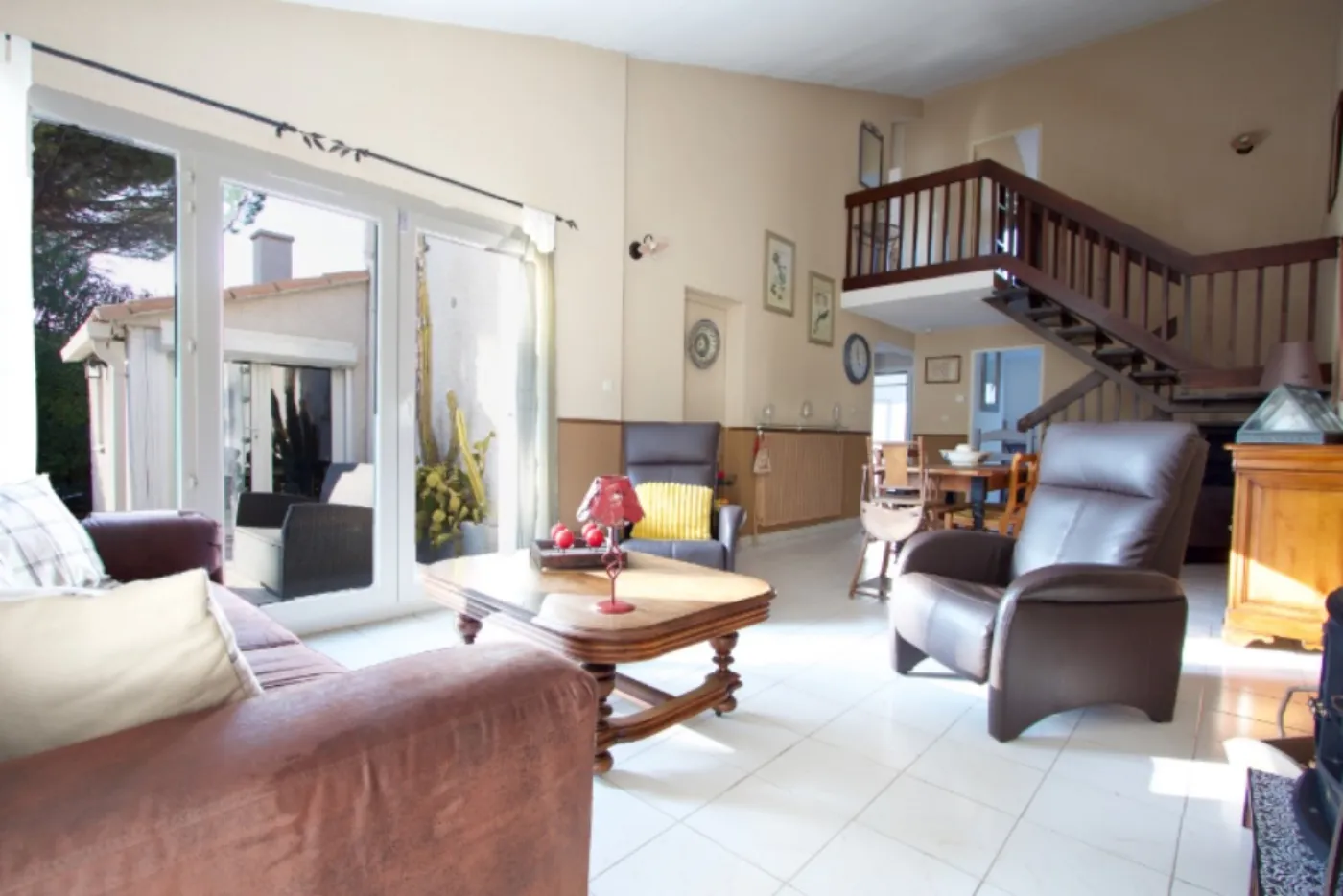
Empty the room
Removes furniture and clutter, reveals clean volumes
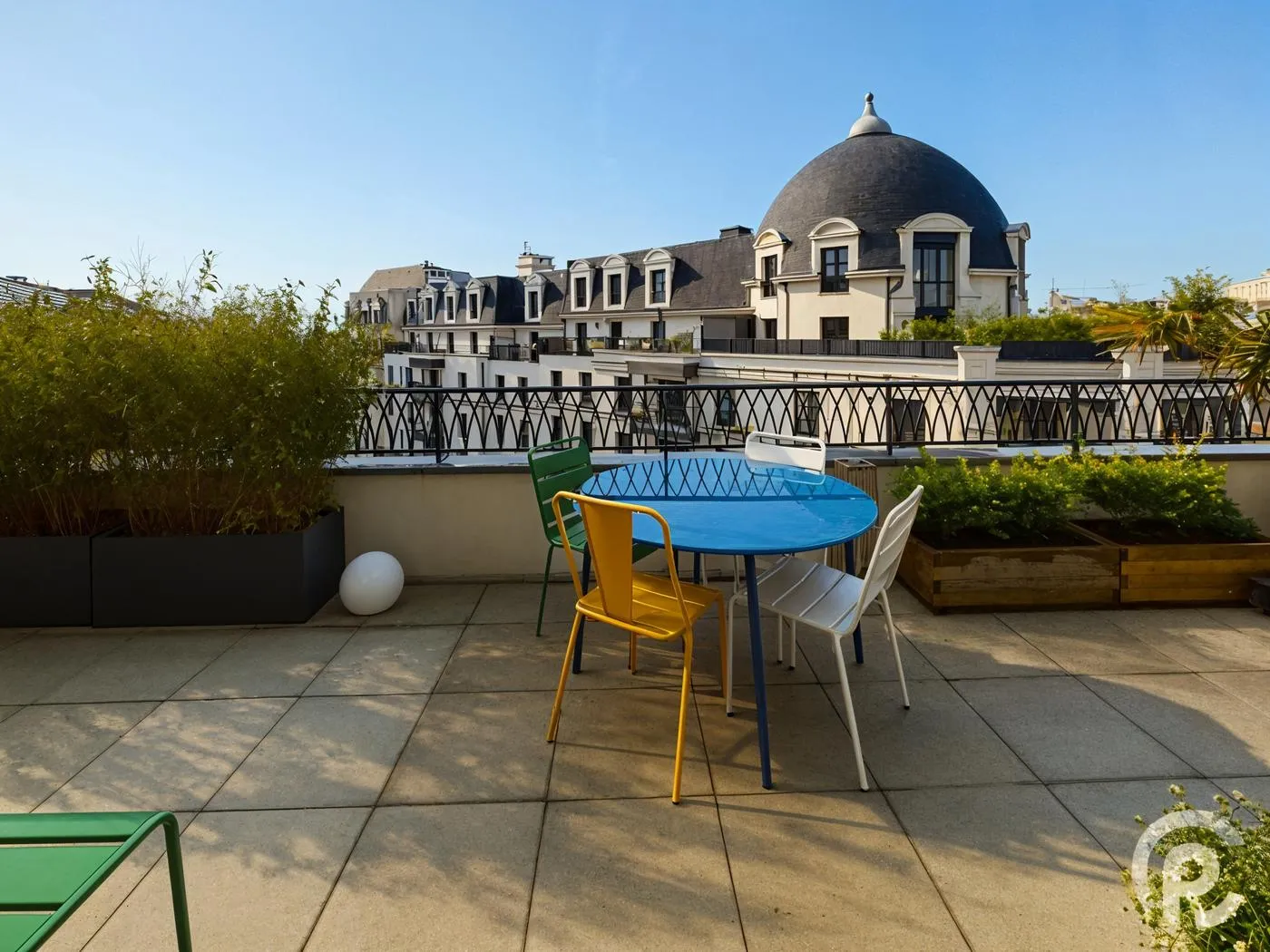
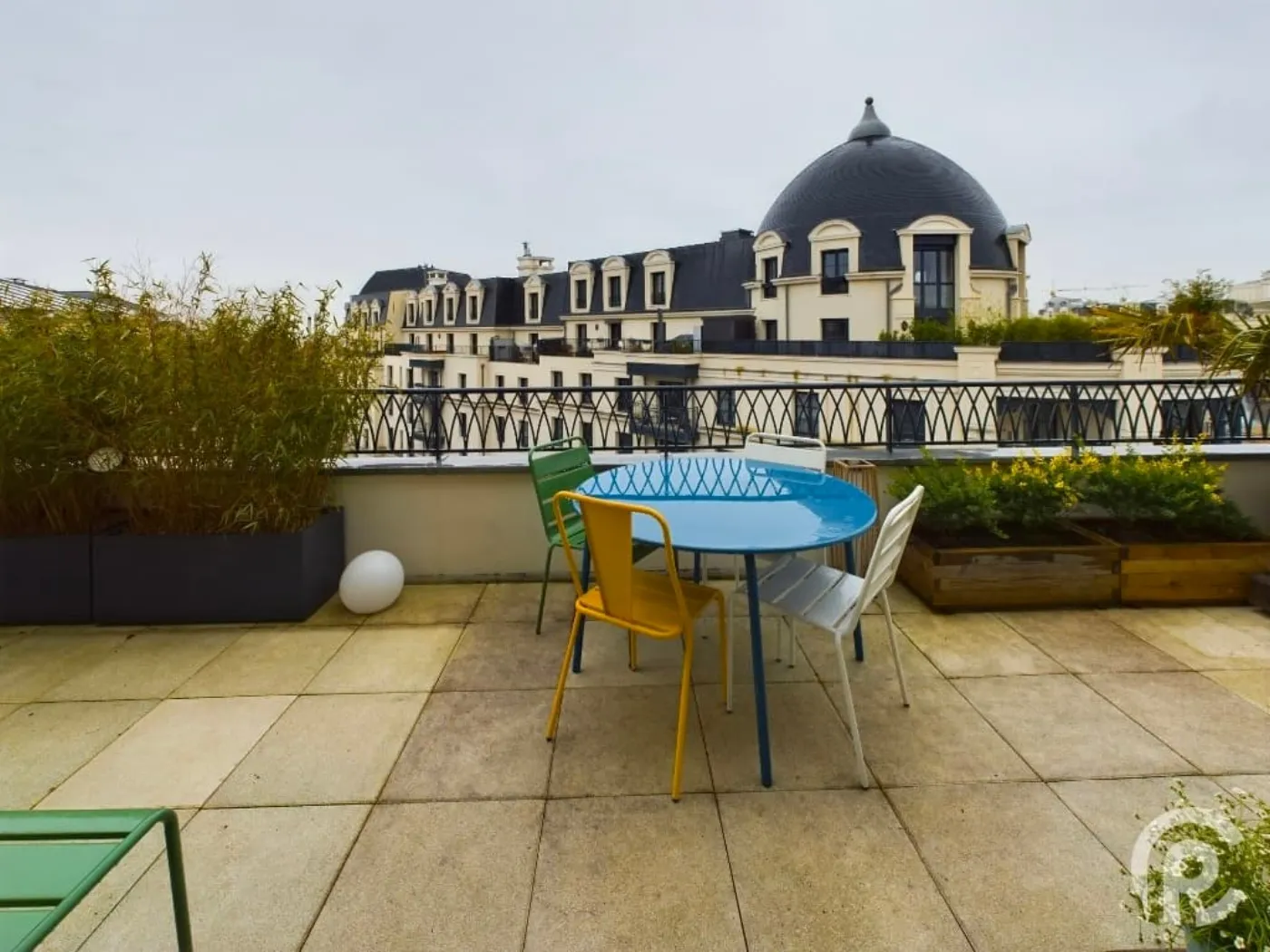
Sky replacement
Turns a grey sky into a clear summer day
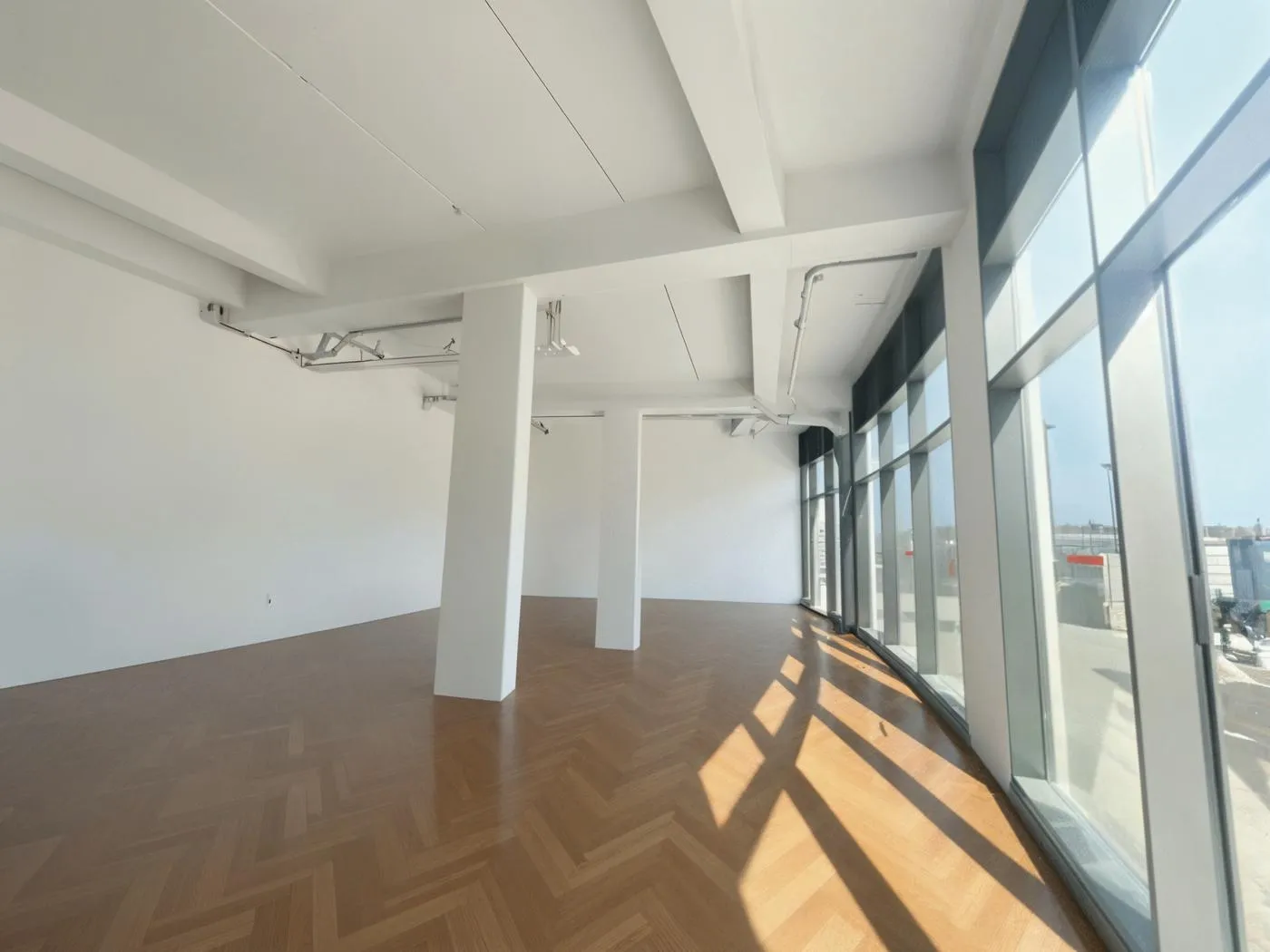
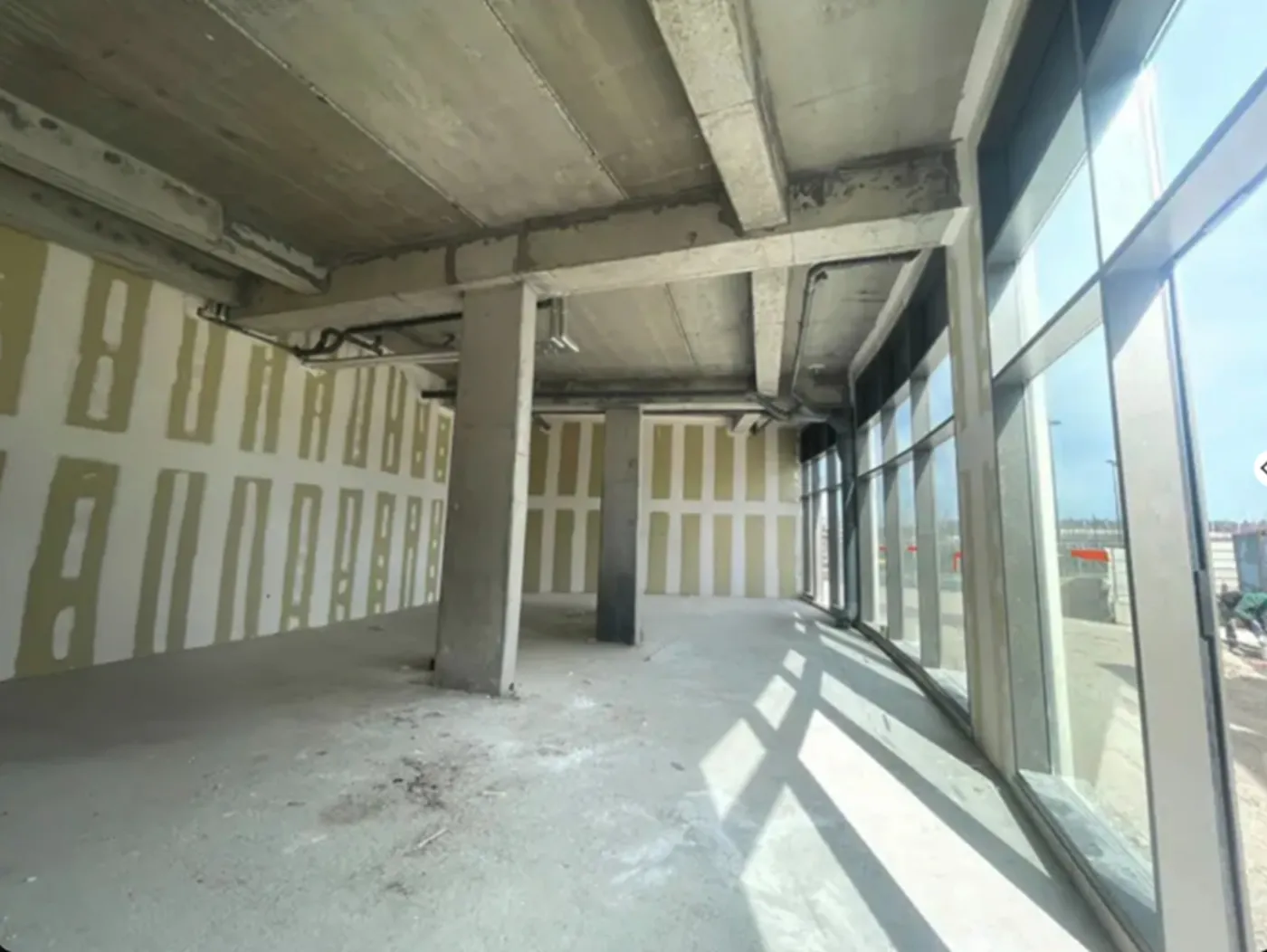
Walls & floors
Repaints walls and swaps the flooring
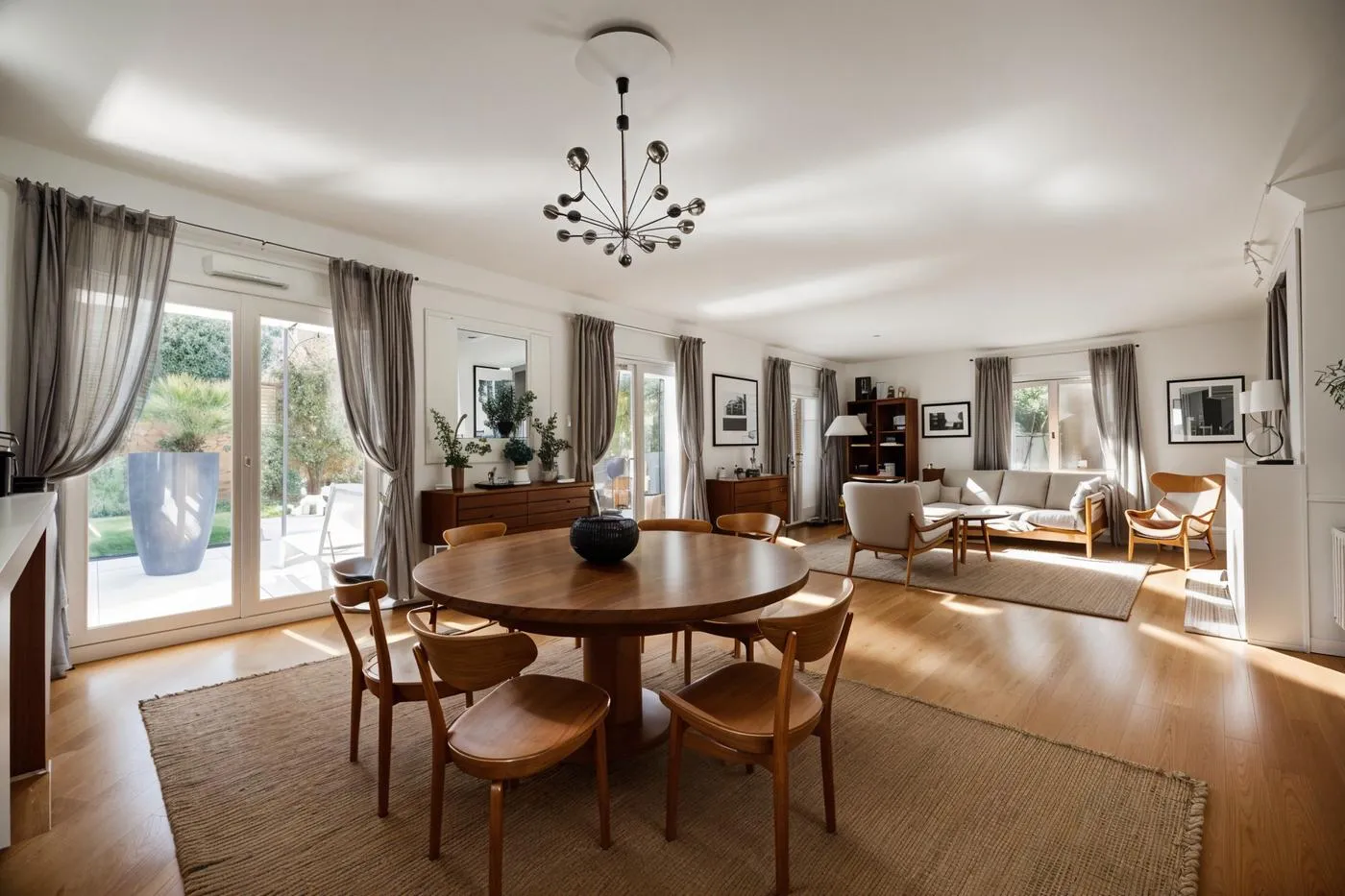
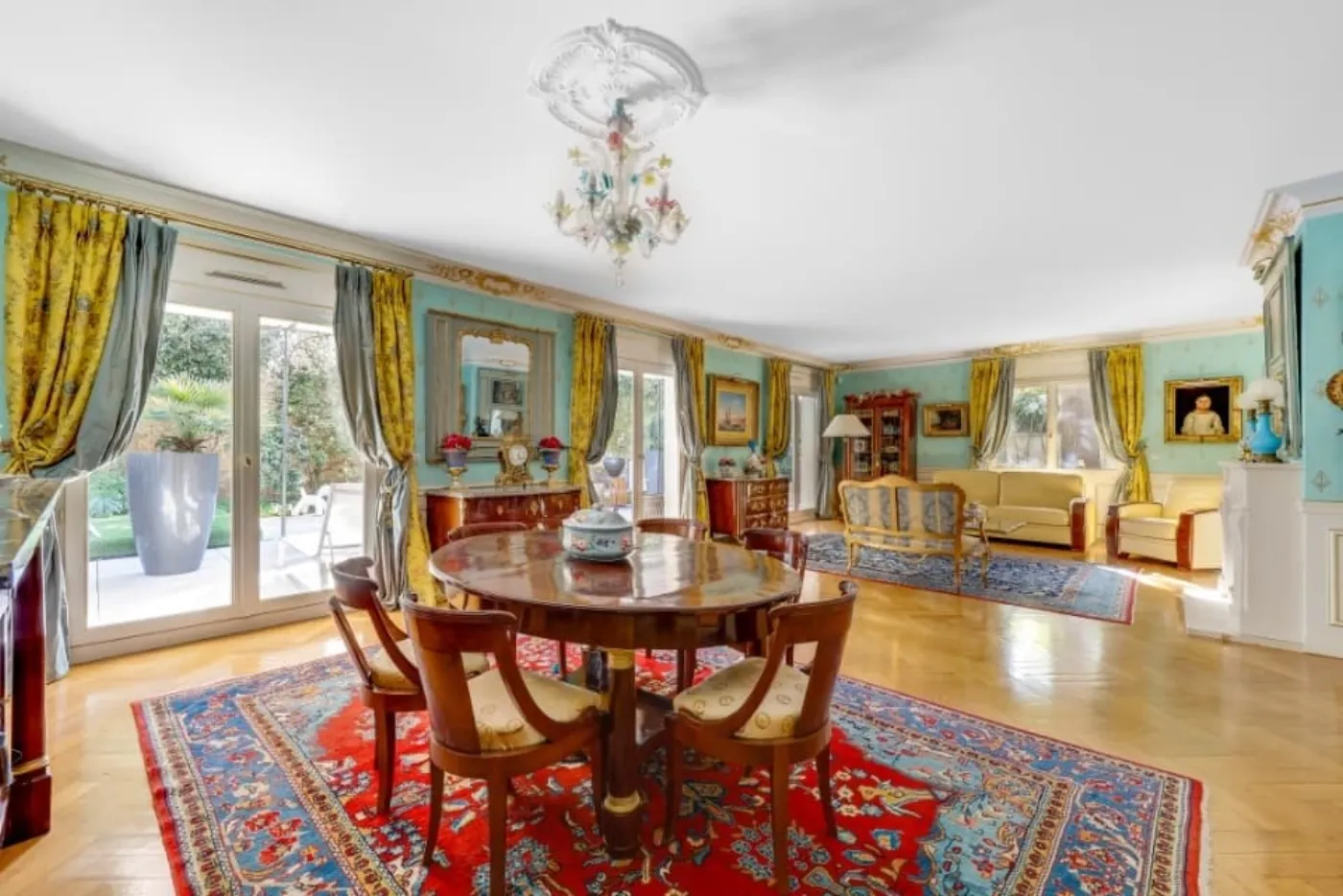
Restyle
Redesigns the interior in the style you want
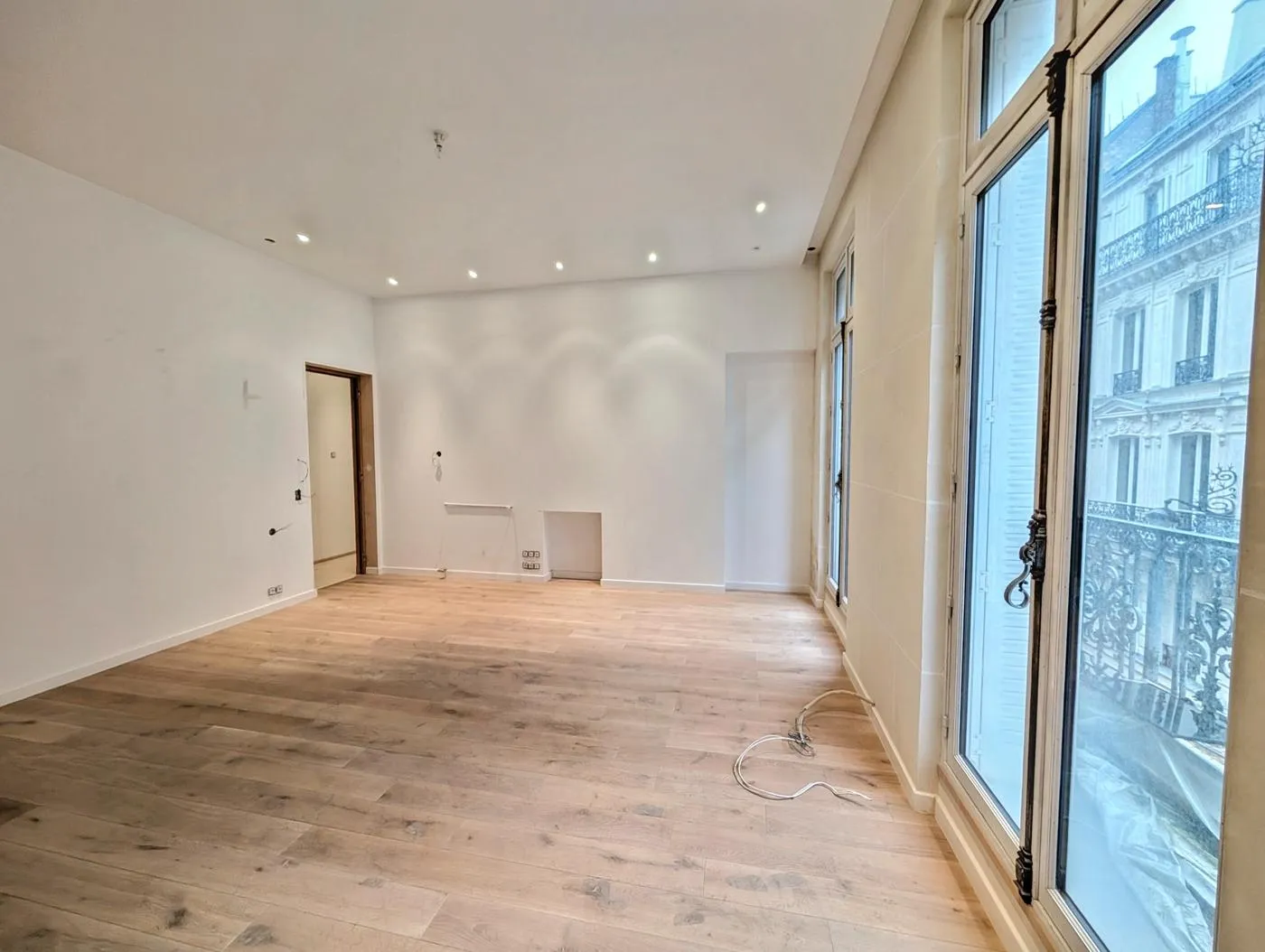
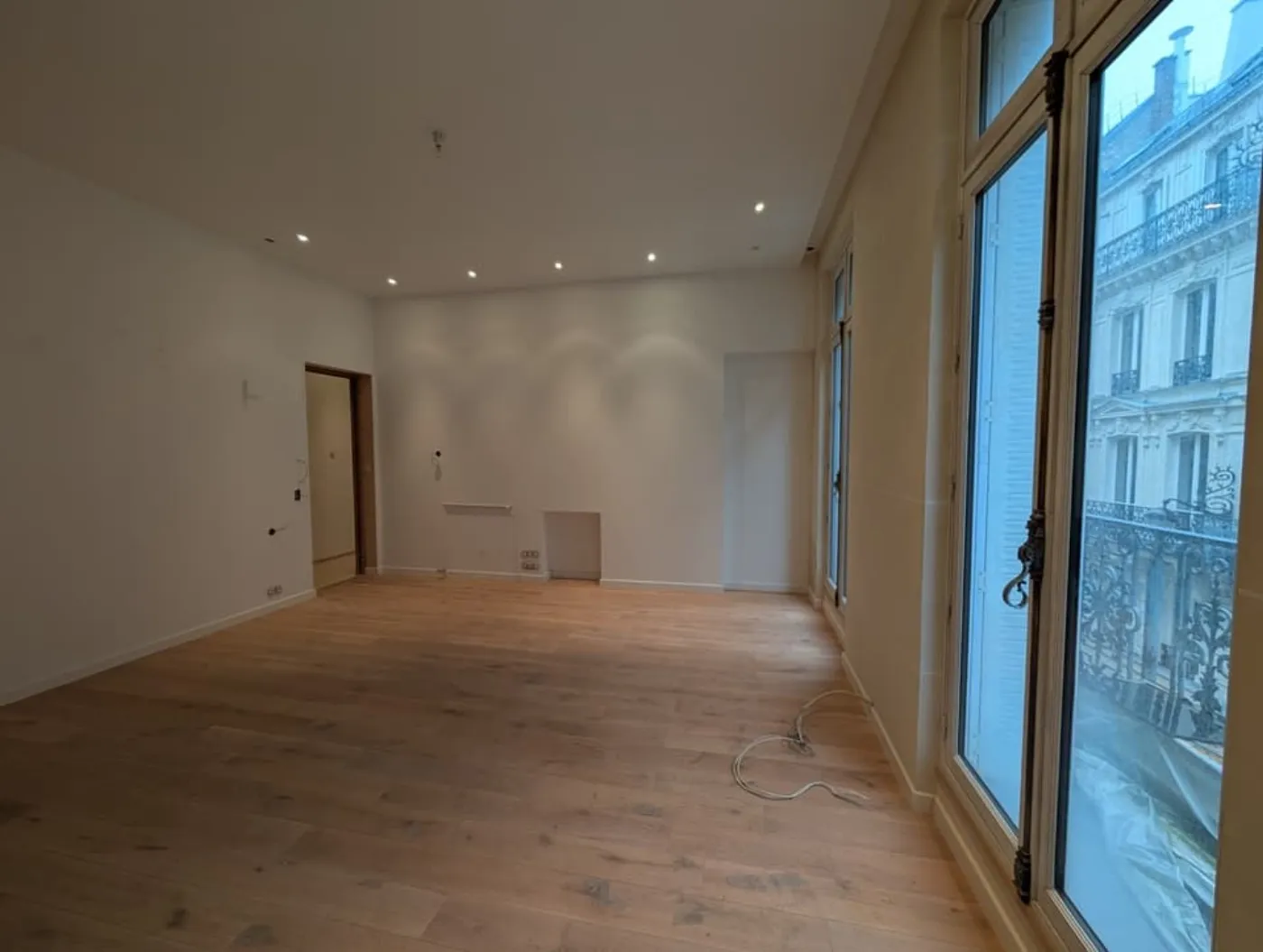
Photo enhancement
Fixes color, contrast and exposure
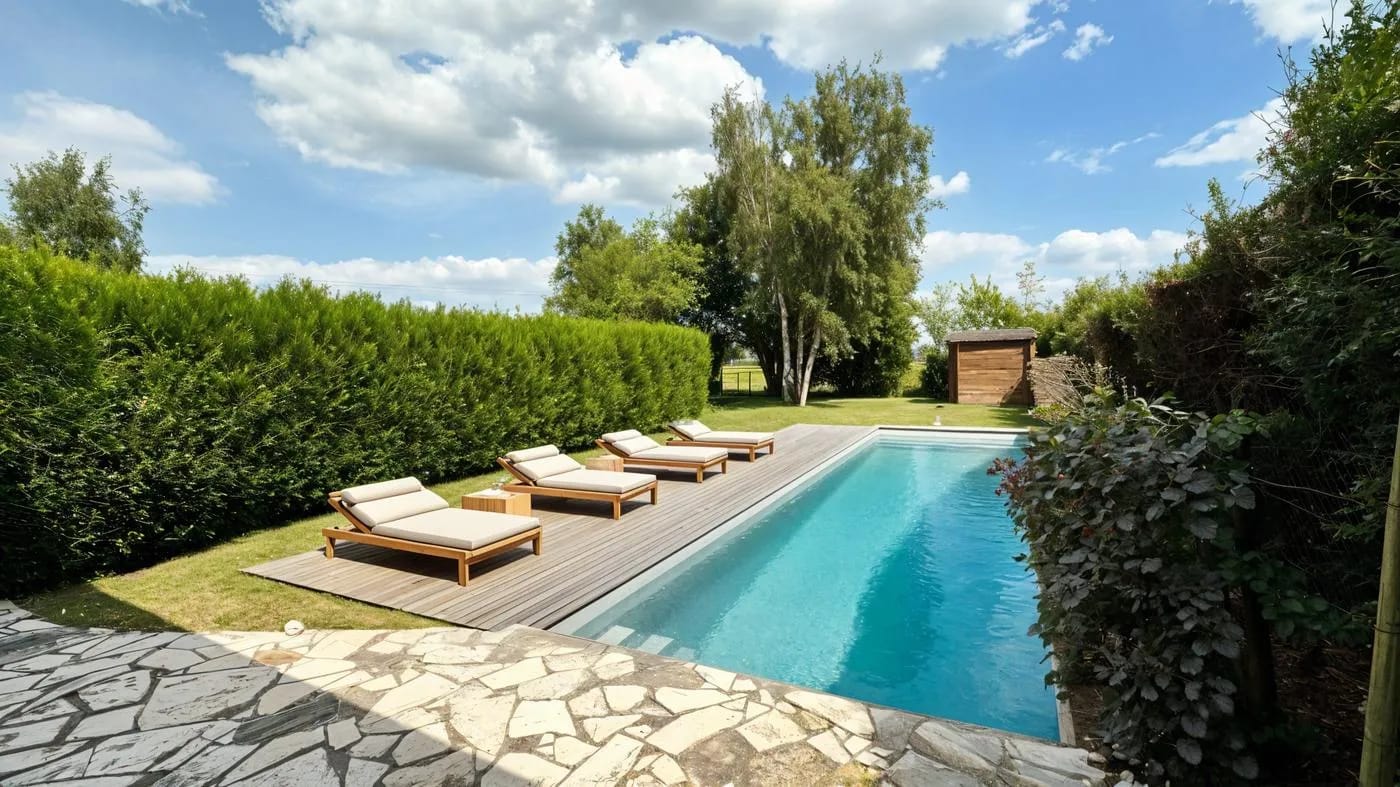
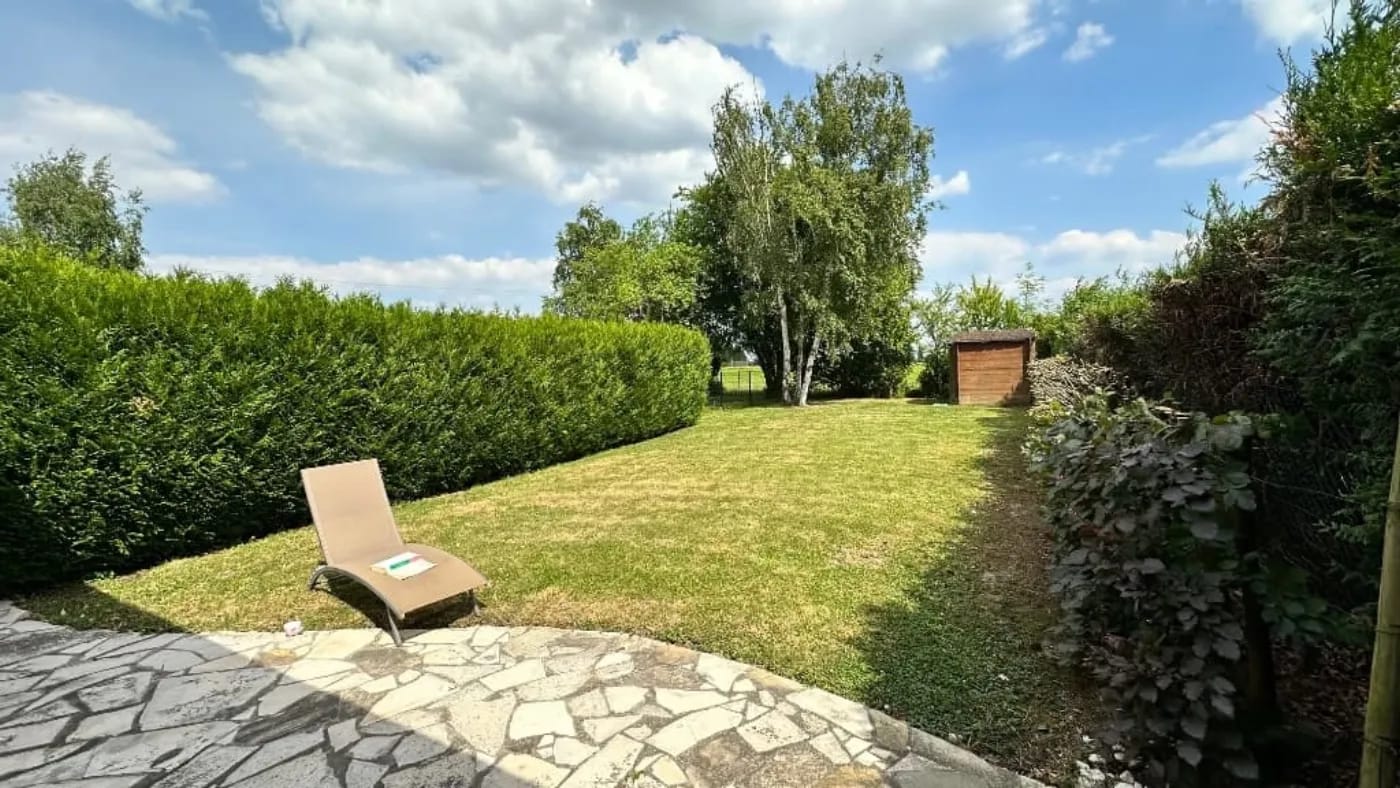
Exterior
Lands the yard, terrace and facade
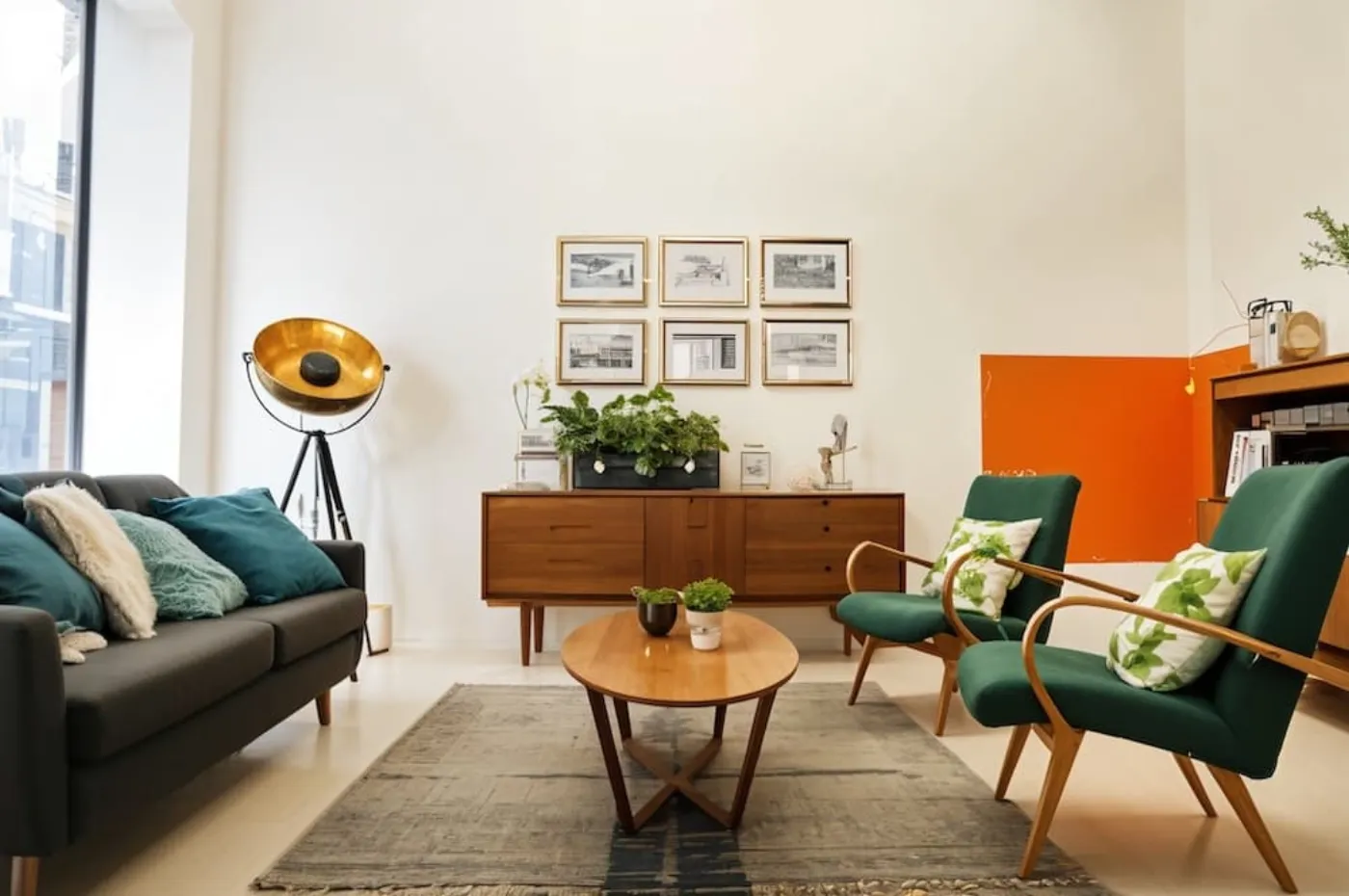
Quality & sharpness
Boosts resolution and removes noise
Photo to video
A short clip for Reels and listings from your shots
Try it on your own photo
Drop your photo hereUpload a photo
or click to choose a filetap to choose from your gallery
Tools
Not just a photo editor, but a whole studio
Listing import, auto staging, pinpoint edits, marketplace product search, a mini-site and video. Everything to prepare and publish a property, in one place.
Import from Avito & sites
Paste a link to an Avito listing or your own site, and Progon pulls in all the property photos automatically. No manual downloading and re-uploading every time.

Auto home staging
Smart Staging places furniture and decor in an empty room on its own. Nothing to set up, just grab a coffee.
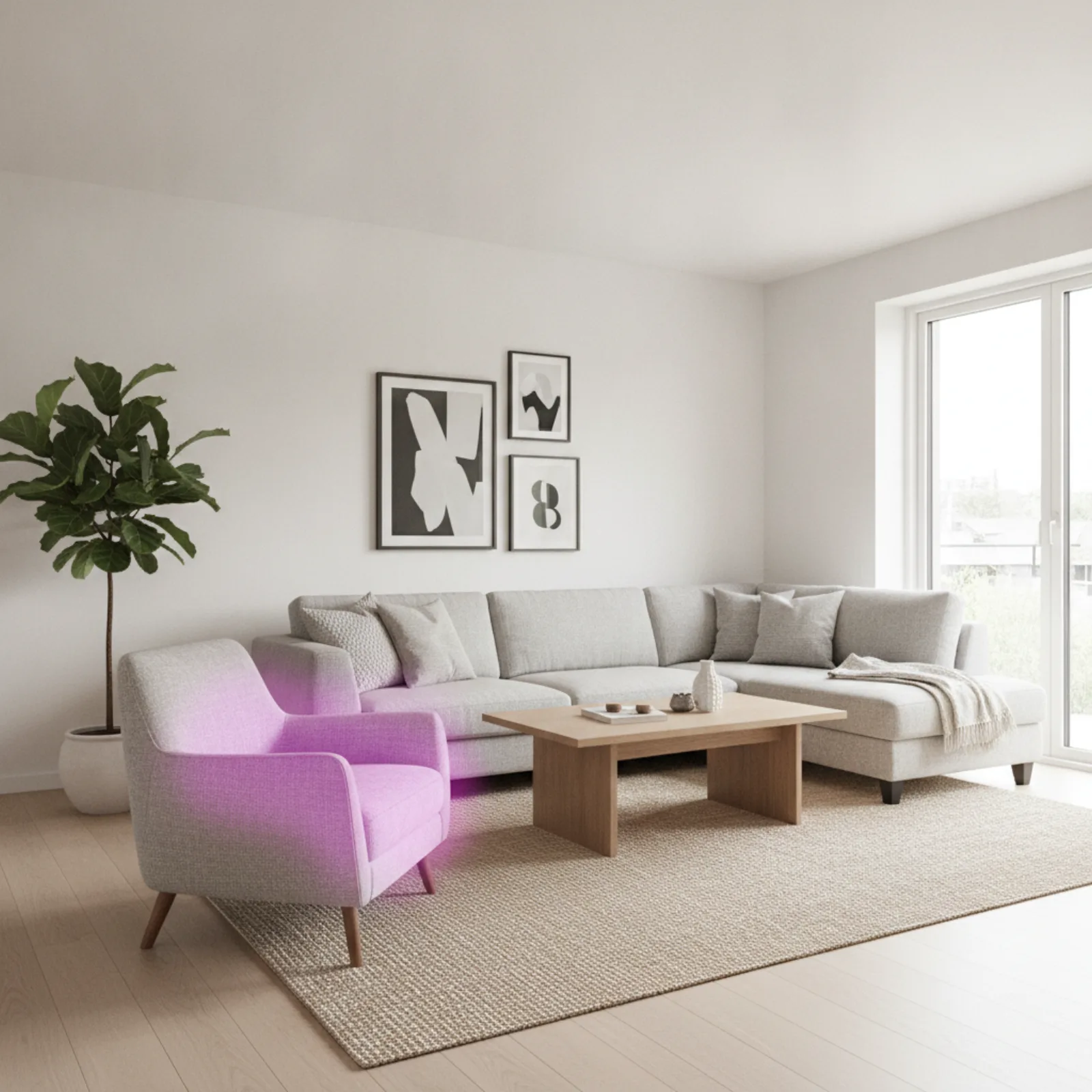
Pinpoint edits with a mask
Brush over only the area you need, and Progon changes just that, leaving the rest of the shot untouched.
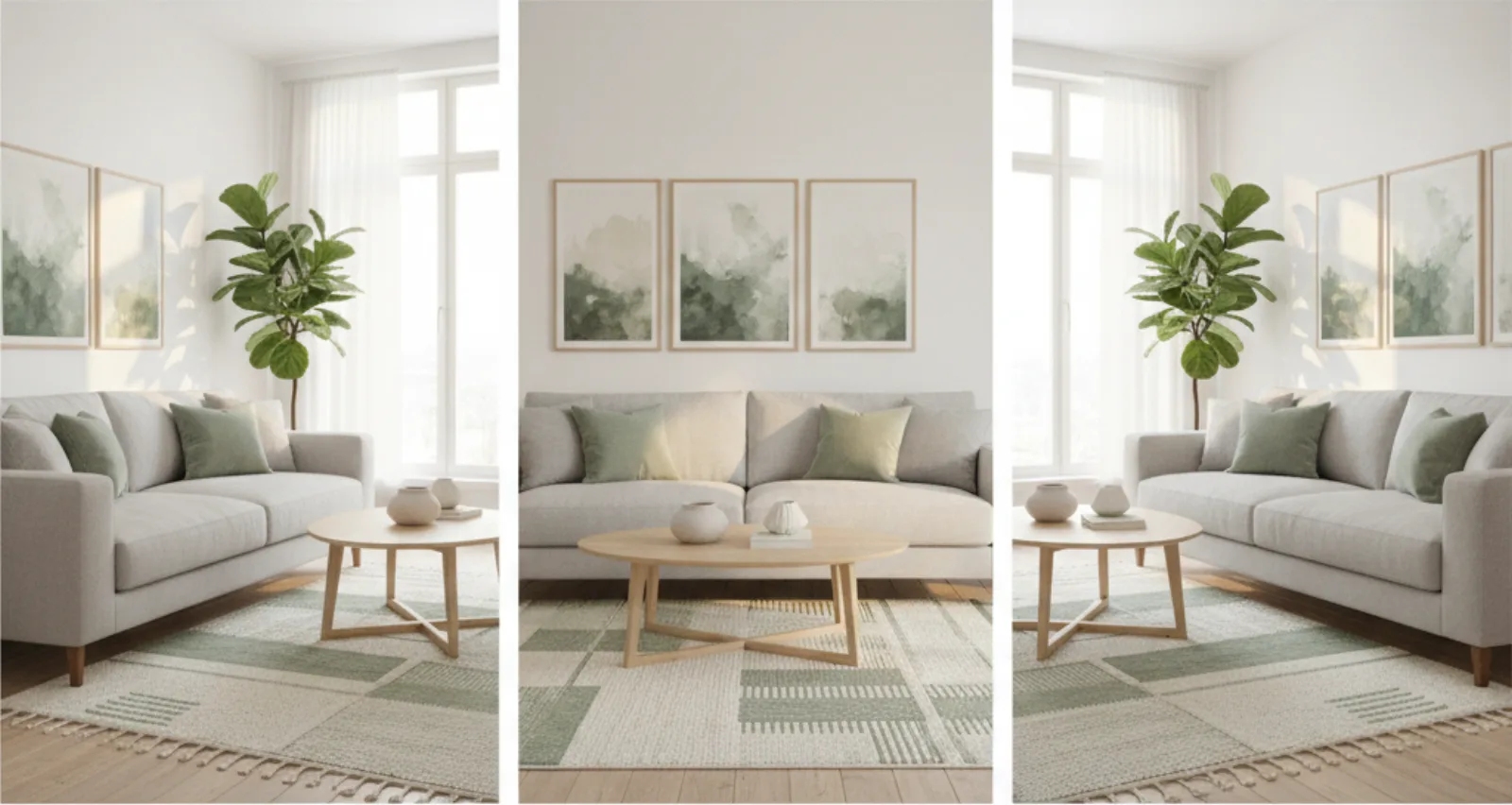
Context mode
Shoot a room from several spots, and Progon keeps the same interior across every angle: furniture, light and style stay identical from frame to frame.
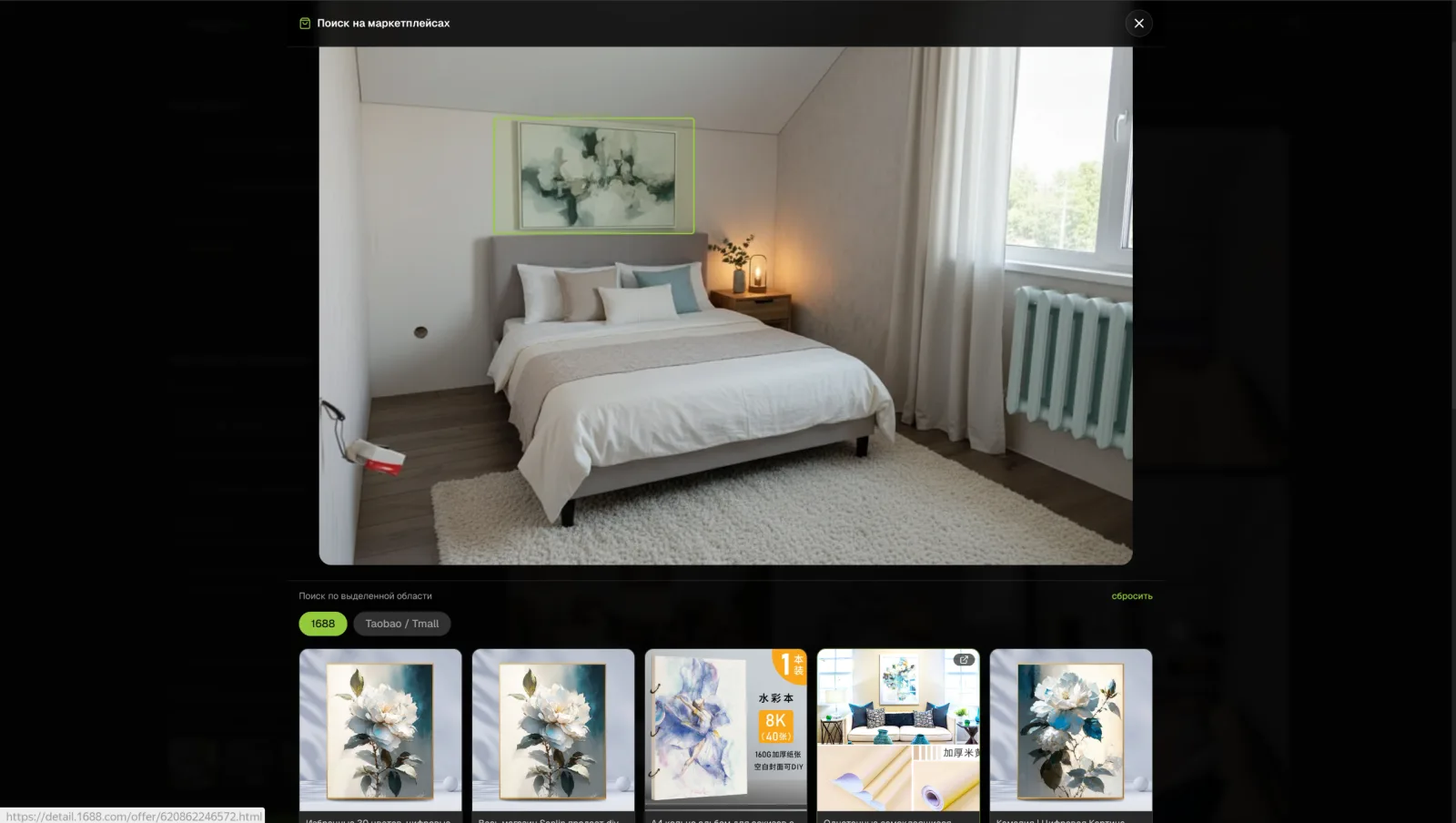
Marketplace search
Select any item in the photo: furniture, decor, a painting. Progon finds the same or a similar product on marketplaces (1688, Taobao). From box to checkout in a couple of clicks.
Listing mini-site
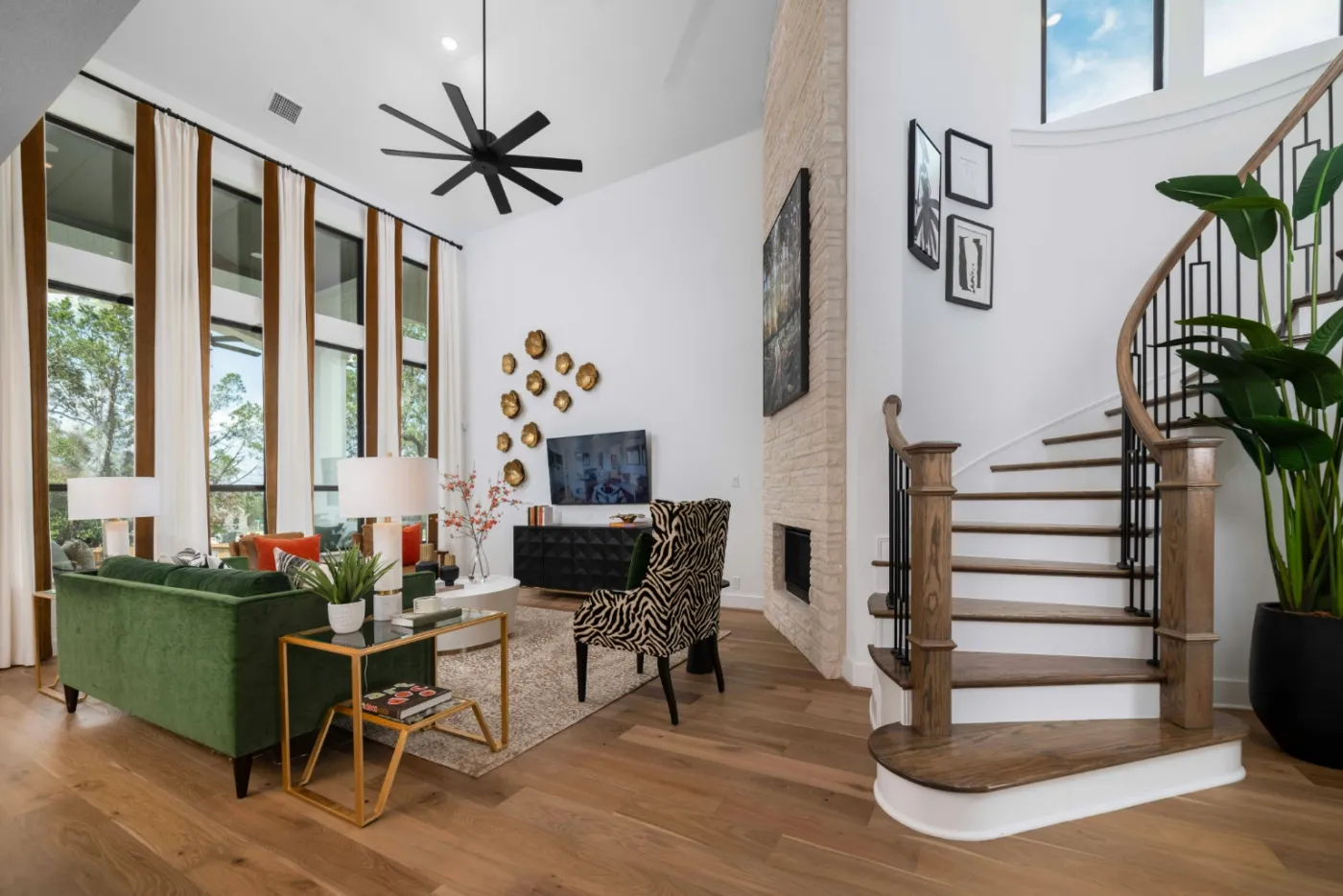
Spin up a tidy showcase page for the property with photos and details, then share it with a client via a single link. No web developer, no hosting.

Video from photos
Turn your shots into a short, dynamic clip for Reels and listings, and stand out in the feed.
Try it on your own photo
Drop your photo hereUpload a photo
or click to choose a filetap to choose from your gallery
FAQ
Getting started, understanding charges and reviewing results
It creates a furnishing concept on your photograph of a room. AI adds or changes furnishings in the image; the physical property stays as it is. Compare the output with the original because generation can alter geometry, finishes and details.
You can try lighting and color correction. Start with a sharp photograph that shows the room details. Retake a heavily blurred image: plausible generated details do not verify the actual condition of the property.
A subscription is optional. The starter one-time pack contains 10 runs for 490 RUB. In the 1,500-run pack, a credit costs about 13.3 RUB. The cost of a usable result depends on the mode, variants and retries; the charge is shown before launch.
No. Photographs help present a property, but enquiries also depend on price, demand, description and placement. Compare similar listings and periods to evaluate the effect; no verified universal growth percentage is established.
Processing time depends on the mode, model, queue and number of images. The project shows its processing status. Start with one photograph and review the result before processing a series.
You can start with a preset workflow: upload your photograph, choose a task and review the charge before launch. Refine the request when needed. Always compare the output with the source photograph.
Decluttering and local edits are available. Check surfaces and objects after processing. Do not conceal defects or important property features that a buyer or guest needs to see.
A project keeps source photographs and results, lets you select versions and prepare a publication. Workflows, concurrent jobs and limits depend on the plan. After processing a series, check that details agree across viewpoints.
Check the current platform rules for your listing type and the service terms first. Do not present proposed furnishings as existing or use someone else’s source photographs without permission. Editing and disclosure do not guarantee moderation approval.
It is a separate page with selected photographs and a project description. Enable only the fields you want to publish, review the page and then share its link with a client. Keep private materials out of a public showcase.
Still have questions?
Contact support on Telegram with questions about using the service.