Progon · Wildberries
Wildberries photographs from your own image
Show clothing on a model, prepare a neutral-background main image and build supporting scenes. Start with one product and review the result before processing a catalog.
Prepare a product photograph →Original and example output
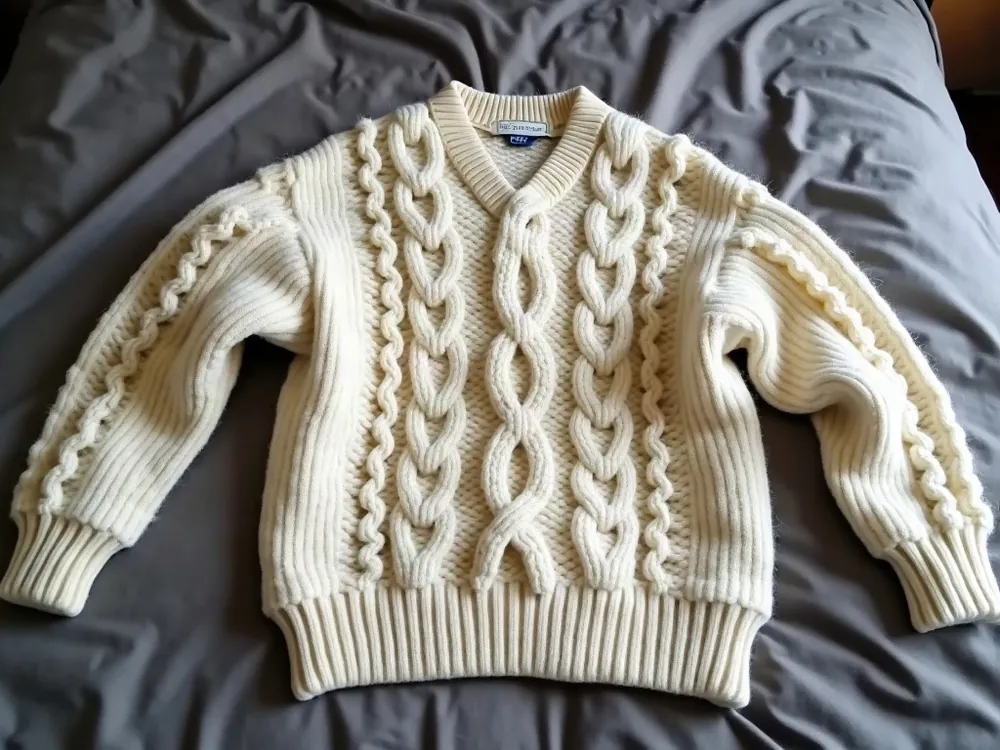
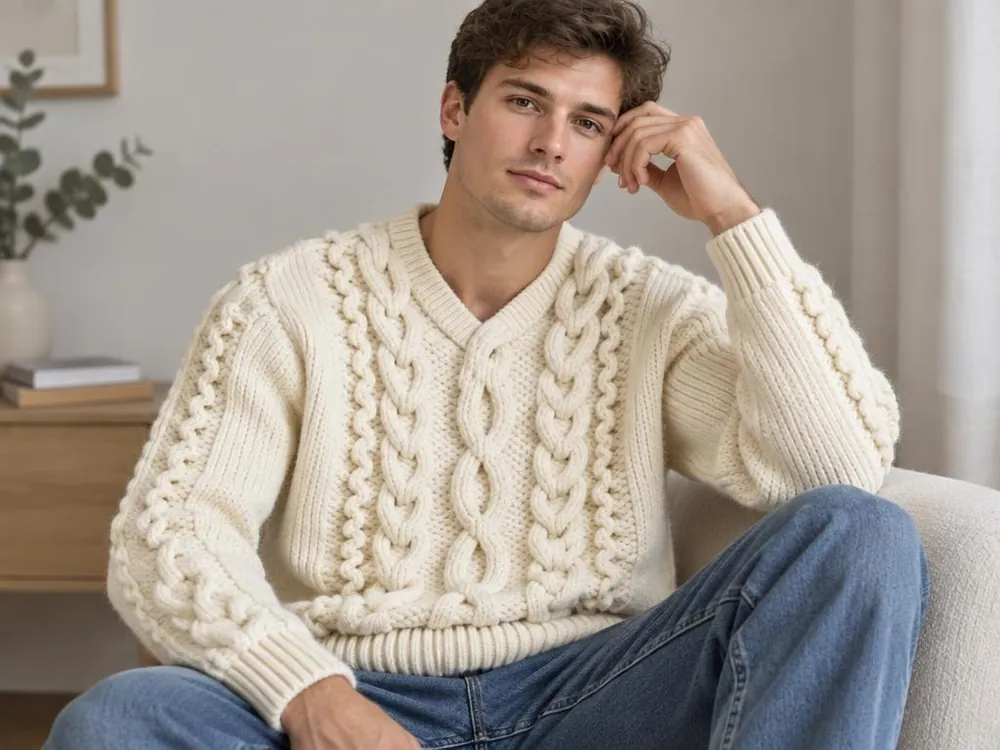
Example: a sweater from the source photo is shown on a model. Compare the knitted pattern, neckline, color and sleeves. Generation can change details, so review each output.
How to prepare a listing image set
- 01
Photograph the item without obstructions
Lay it out or hang it so the cut, edges and pattern are visible. Add separate photographs of important details.
- 02
Choose the purpose of the frame
Use a white background for a catalog photograph or a model to show fit. Use consistent source images and surroundings for a set.
- 03
Check what the buyer will receive
Compare color, length, stitching, logos and included items. Reject an output that changes the product, even if the photograph looks attractive.
- 04
Prepare the file and check the WB rules
Check dimensions and aspect ratio, then consult the current seller instructions. Technical suitability does not guarantee approval.
What to check before publishing
- The whole item is visible without distracting obstructions.
- Color, pattern and included items agree across the set.
- Text and logos are accurate and readable.
- Original photographs are available for comparison.