Real estate photo editing in 30 seconds
Correct lighting, color and composition in a phone photograph. Compare the result with the original and choose an image that accurately represents the property.


Need to resize a file before editing?
Prepare a landscape 4:3 JPG or check the file dimensions for free in your browser, without signing up. Resizing is separate from AI editing and does not guarantee platform approval.
Before and after on real listings
Drag the handle: the phone photo on the left, the finished shot on the right.


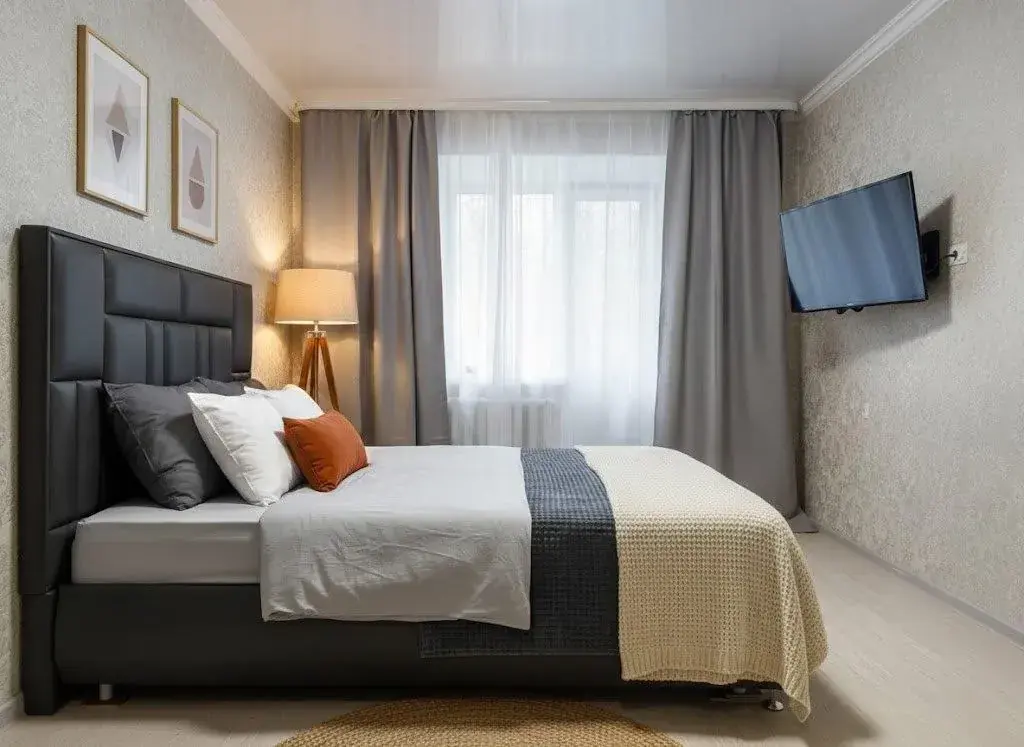
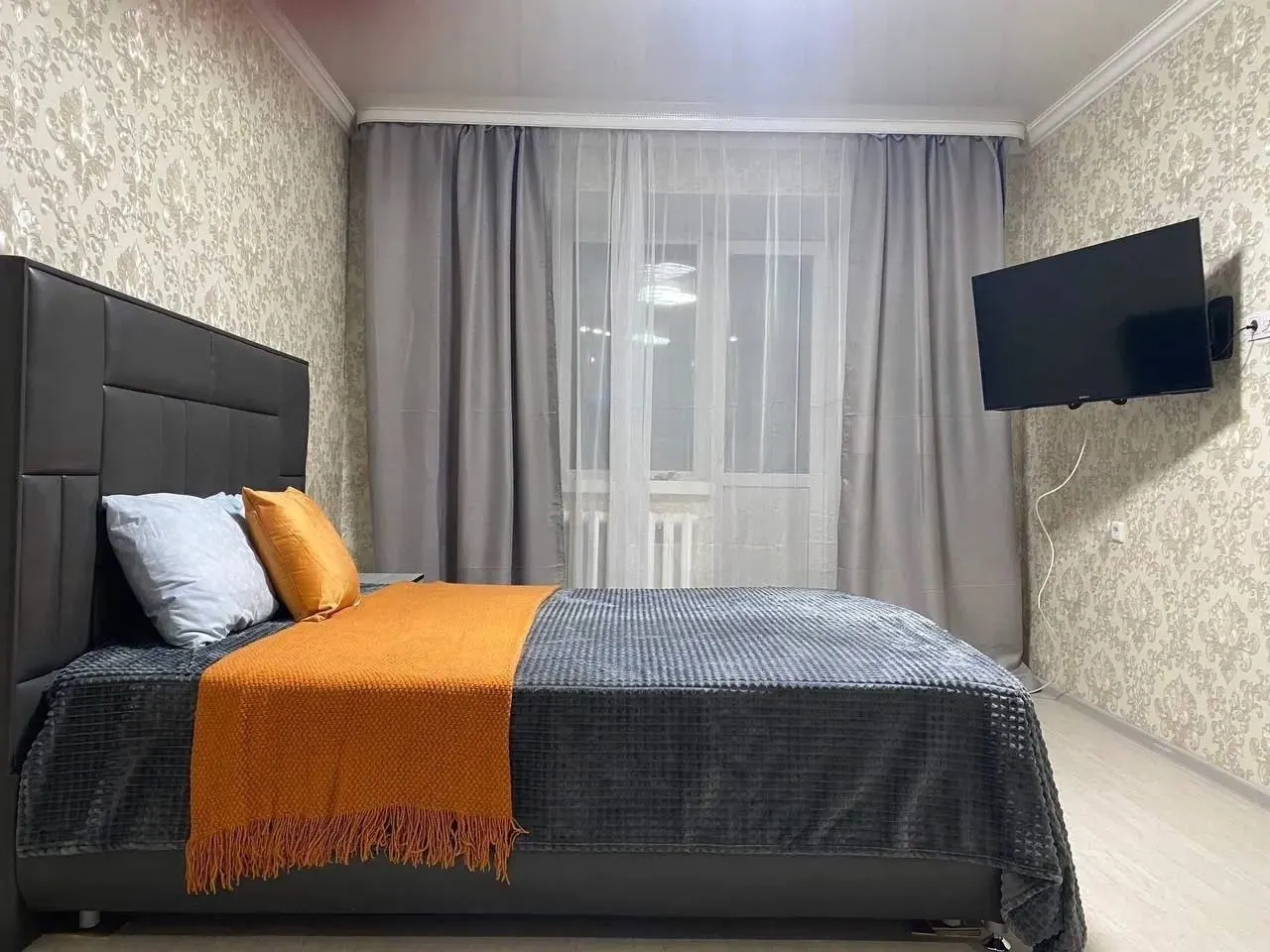
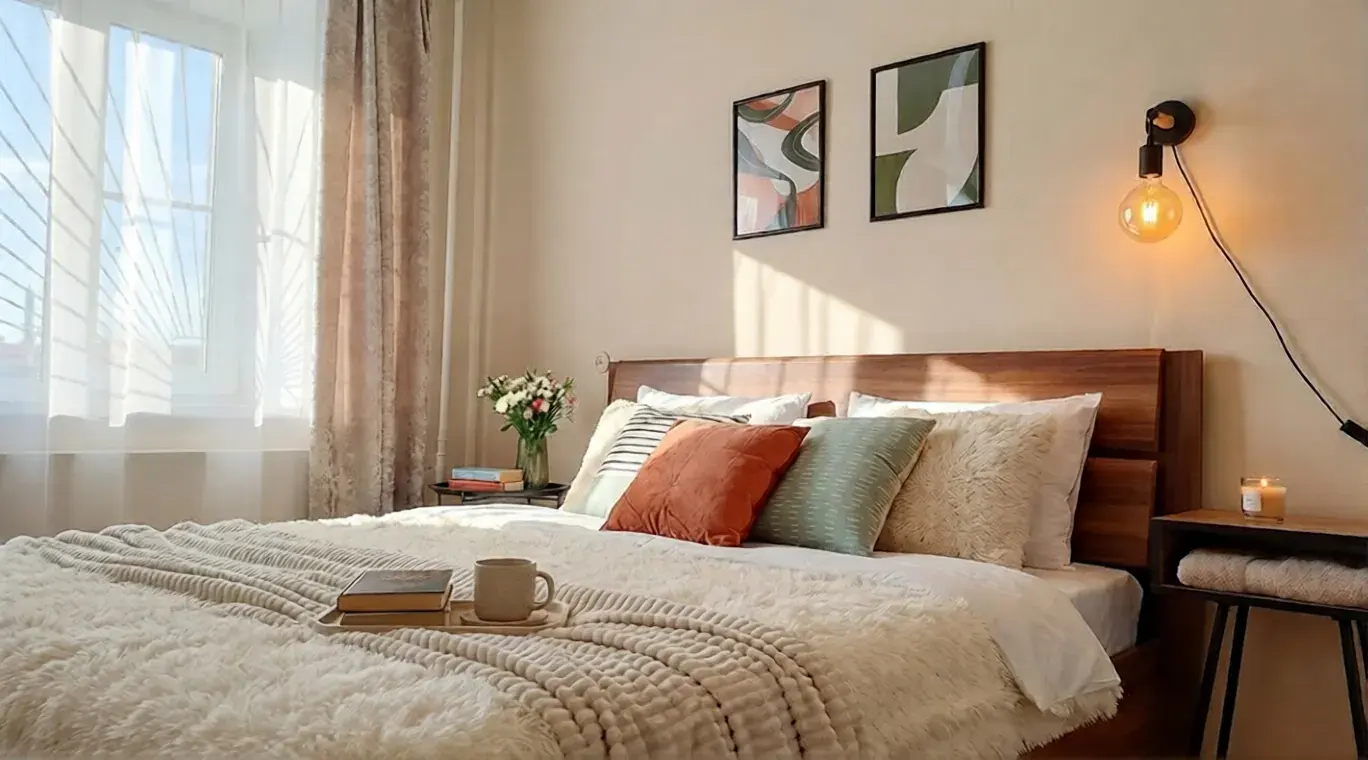

How to prepare property photographs for a listing
Listing photo preparation means correcting lighting, color and composition so the actual property is easier to understand.
Generative editing can change details. Check windows, doors, finishes and visible defects before publishing. Review the platform rules for furniture visualizations and keep the original photograph alongside the result. Editing does not guarantee approval or improved ranking.
How it works
Upload a photo
Upload your own property photograph. Start with one image that clearly shows the room.
Pick the edit
Choose lighting correction or another appropriate task. Treat changes to furniture as a separate visualization.
Get the result
Compare the result with the original, check important details and download the version you want to use.
Editing in Progon versus the alternatives
Choose an approach based on the task and the amount of control you need.
| Criterion | Progon | Plain phone photo | Manual retouching |
|---|---|---|---|
| Lighting and color | Correction for the selected task | Depend on shooting conditions | Precise manual adjustment |
| Detail review | Compare with the original | Shows the original condition | Depends on the brief |
| Getting started | Upload in the browser | Reshoot when needed | Send files to the retoucher |
| Publishing | Check the platform rules | Follow the platform rules | Follow the platform rules |
| Billing | One-time packs or subscription | Your own photography | Agreed with the provider |
Tuned for listing sites
Compare with the original
Check that the result accurately represents the actual property.
Mir card payment
No VPN and no foreign cards.
Choose the right task
Start with lighting and color; review furniture concepts separately.
First runs free
Try it with no card and no subscription.
Edit your first listing free
First runs with no card and no subscription. A finished shot in 30 seconds.
Frequently asked questions
Will edited neural-network photos get banned on listing sites?
Editing does not guarantee approval. Requirements differ by platform and listing type. Check current rules, do not hide actual defects and label visualizations when the platform allows them.
Does editing guarantee a photograph will no longer be considered a duplicate?
No. Use your own property photographs and edit them to show the space clearly, rather than to bypass duplicate checks.
Will listings rank higher?
Photo editing alone does not guarantee ranking, extra impressions or enquiries. Accurate descriptions, pricing and compliance with platform rules also matter.
How much does it cost and is a subscription required?
A subscription is optional. One-time run packs and PRO/BUSINESS subscriptions are available. Operation costs and current trial terms are shown on the pricing page.
Does it work for all listing sites?
You can edit a photograph, but must check the destination platform rules before publishing. Actual photographs and furniture visualizations may be treated differently.